Free 3D Building Game: Build a Castle in 3 Minutes (No Download)
Version 2.10 — Updated October 2026
Want to build a 3D castle right now? Not in an hour. Not after downloading an app. Right now, in 3 minutes, in your browser.
Want to build a 3D castle right now? Not in an hour. Not after downloading an app. Right now, in 3 minutes, in your browser.
→ Start Building (free, no signup)
Here's what you're getting into.
What Is It?
Blocky's 3D Block Adventure is a free 3D building game that runs in your browser. No download, no account, no app store. You open the link and you're building.
It has 15 levels across 3 worlds:
🌿 World 1 — Blocky's Garden
Build: Tree → Flower → Chair → Fence → House
🏰 World 2 — Sky Castle
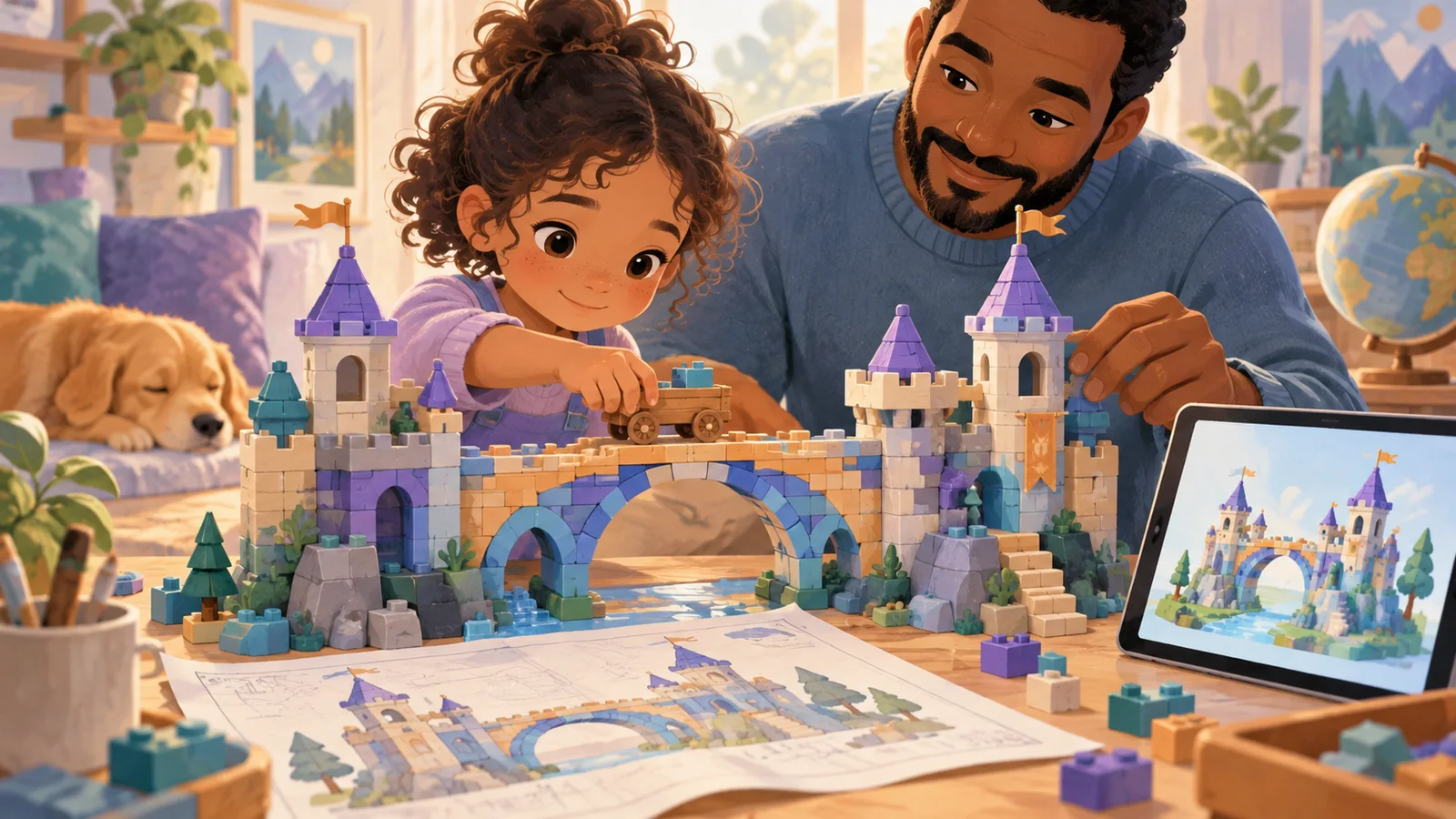
Build: Bridge → Car → Tower → Dog → Castle
🌟 World 3 — Coming soon (even harder builds)
Each level shows you a ghost outline of what to build. Just fill in the blocks. When you're done — confetti, stars, and a poster you can save or send to friends.
How Fast Can You Beat All 15?
Most kids finish World 1 in about 10 minutes. World 2 takes longer — the castle is tricky. Can you beat all 15 levels?
The Coolest Feature: AI Magic Build
This is the part that makes it different from every other building game.
Go to Free Build mode and type anything:
- "a dragon"
- "a spaceship"
- "a house with a swimming pool"
- "a giant pizza"
Watch the AI build it out of blocks. Block by block. Then you can change whatever you want — add blocks, remove blocks, change colors.
It's like having a building assistant that does the hard part, and you do the creative part.
Can I Play on My Phone?
Yes. It works on:
- ✅ Phone (iPhone, Android)
- ✅ iPad / tablet
- ✅ Laptop / desktop
- ✅ School Chromebook
- ✅ Literally any device with a browser
Just open the link. That's it.
Can I Play at School?
Yes! It runs in a browser, so it doesn't need any app install or admin permission. Most school content filters don't block it because it's an educational building tool, not a "game site."
Pro tip: on a Chromebook, add it to your home screen (Menu → More Tools → Create Shortcut) and it opens like an app.
What Can You Build?
The 15 levels teach you the basics. After that, Free Build mode lets you build ANYTHING. Some ideas:
- 🏠 Your real house (try to make it look like yours)
- 🐉 A dragon
- 🚀 A rocket ship
- 🎂 A giant birthday cake
- 🏟️ A sports stadium
- 🌳 A whole forest
- 🗼 The Eiffel Tower (out of blocks)
- 🐕 Your pet
When you finish, hit the Share button to get a poster with your creation. Send it to friends, save it to your photos, or post it anywhere.
Is It ACTUALLY Free?
Yes. Like, actually free. Not "free for 5 minutes then pay." Not "free with ads every 30 seconds." Free forever. No ads. No gems. No coins. No "watch a video to continue."
Start Right Now
Seriously. It takes 60 seconds to finish your first build.
🎮 PLAY BLOCKY'S 3D BLOCK ADVENTURE — FREE
Like building? Check out 100 Fun Things to Tell AI to Draw — if you want to try the drawing side of AI art.
Want more stuff to do? Play Wendy Guess My Drawing — you draw for 20 seconds and the AI tries to guess. Free.
📋 Editorial Statement
Written by the KidsAiTools Editorial Team and reviewed by Felix. Our guides are written from a parent-builder perspective and focus on AI literacy, age fit, pricing transparency, and practical family use. We do not currently claim named external expert review or a child-test panel. We may earn commissions through referral links, which does not influence our reviews.
If you find any errors, please contact support@kidsaitools.com. We will verify and correct as soon as we can.
Last verified: October 8, 2026