AI Guides for Kids: Tutorials, Reviews & Parent Resources
437+ parent-perspective articles covering tutorials, tool reviews, safety checklists, and school-collaboration tips. Filter by age and type to find what your child needs today.
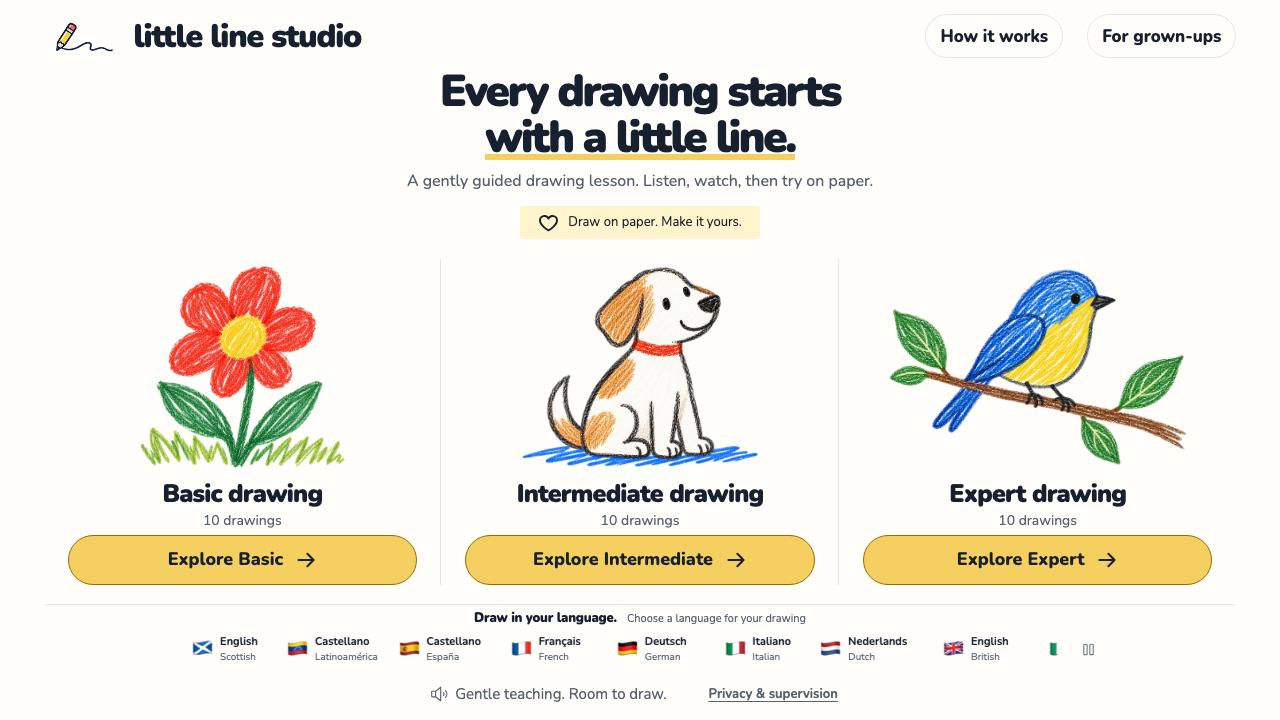
Little Line Studio: Guided Drawing on Paper for Kids
Set up paper and pencils, choose a Little Line Studio lesson and use pause, replay and more-time controls to draw alongside your child.

GenDubAI: A Family AI Literacy Guide for Parents
Use GenDubAI’s free family resources to discuss AI homework, choose a conversation card and agree on one practical next step with your child.
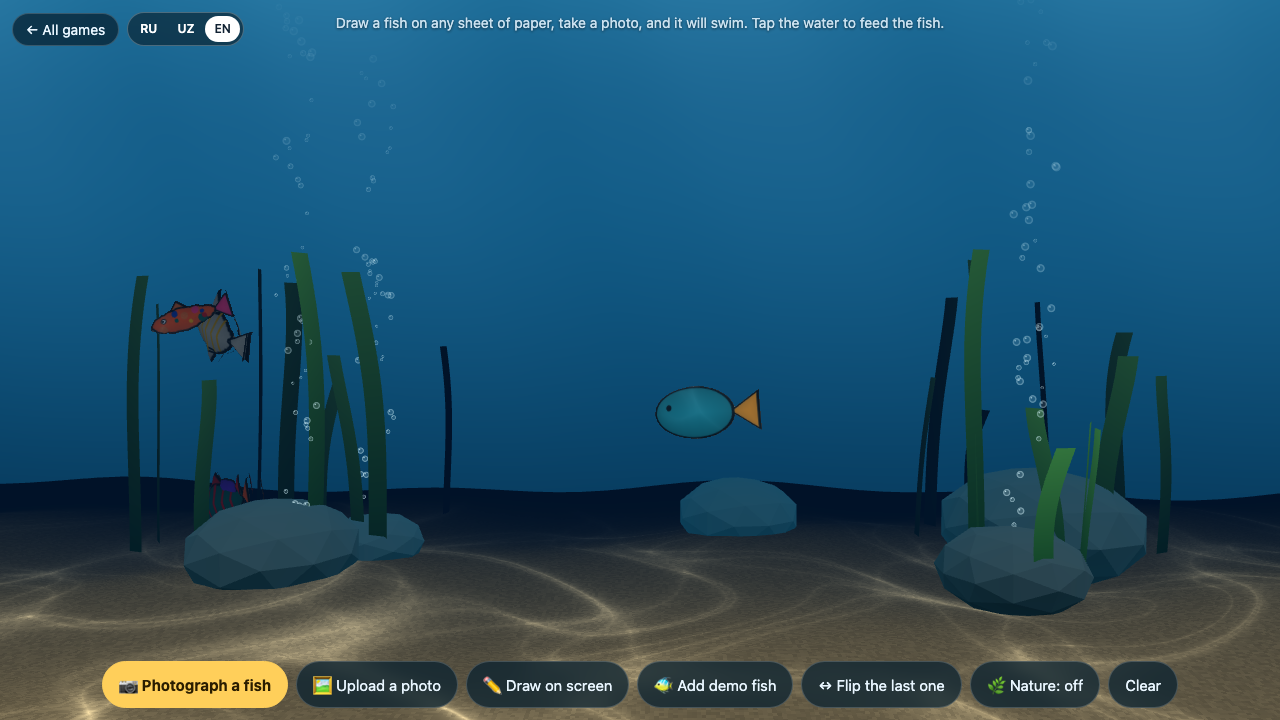
Paper Aquarium: Bring Kids’ Drawings to Life
Turn a paper fish into a swimming aquarium character. Follow the upload steps, fix common picture problems and try a shared family drawing activity.
Google AI Quests: A Parent’s Guide to Polar Peaks
Explore Google AI Quests Polar Peaks with ages 11–14. Check free access, languages and privacy, then use three parent questions about data, models and human oversight.
Can You Turn Off Google AI Overviews for Your Child? What Works in 2026
No setting removes Google AI Overviews or AI Mode for kids or school accounts. See what parents can set, which tips work, and a script to check AI answers.
AI-Generated Videos on YouTube Kids: How to Spot Them and What You Can Actually Block
YouTube has no switch that turns off AI videos. See what its AI labels cover, 4 YouTube Kids settings that narrow what kids see, and a 5-minute setup.
How Old Do You Have to Be to Use ChatGPT, Gemini, Claude and Other AI Apps? (2026 Table)
Minimum ages for 10 AI apps from their own terms: most say 13+, Claude says 18+. Parent consent rules, teen modes and what to do if your child is younger.
Are AI Toys Safe for Kids? A Parent's Checklist Before You Buy (2026 Holiday Season)
Are AI toys safe for kids? What testing found, what U.S. rules cover, a 13-point checklist for the store or Amazon, and 10 questions to ask the toy first.
Is CapCut Safe for Kids? Age Rules, AI Features and Settings Parents Should Check (2026)
CapCut's terms set a minimum age of 13 and require parent consent under 18. See its AI features, app ratings and the settings to check before saying yes.
Your Child's School Paused AI. Should You Allow It at Home? (NYC, LA and the New Research)
NYC paused student AI for grades 2K–8 and LAUSD restricted it for all students. What each rule covers, and a home plan for ages 5–12 that respects it.
ChatGPT for Teens Rated "Unacceptable Risk" as States Sue OpenAI: What Parents Should Do Now
Common Sense Media rated ChatGPT for Teens Unacceptable Risk and 8 states sued OpenAI on Oct 14. What was found, what is alleged, and 6 steps for parents.

AI Agent Permissions: A Parent's Checklist Before Connecting Apps
Check what an AI agent can read, change and remember. Use a family data example, an approval worksheet and an exit checklist before connecting apps.
Frequently Asked Questions
What kinds of articles are in this library?
+
We organize by four types: Tutorials (step-by-step AI projects with your child), Guides (parent decision-making, e.g. "Is ChatGPT safe for an 8-year-old?"), Reviews (parent-perspective single-tool or comparison reviews), and News (AI education policy, new tool launches). Use the filter tabs above to narrow down.
Who writes these articles?
+
The KidsAiTools editorial team writes from a parent perspective — we use the AI tools we cover as parents, document what we observe, and publish our notes. We do not currently maintain a child-test panel or named expert reviewers; if we add either, we will disclose names, credentials, and review methodology on the methodology page.
How do I find articles for my child's age?
+
Use the age-group filter above (6-8, 9-12). Every article lists the age bands it applies to. If you have multiple children, start with our parent guides first, then read tutorials aimed at the youngest age in your household.
Where should I start if I'm new?
+
Three starter picks: "Kids AI Explained: What It Is" for the basics, "30 Safe ChatGPT Prompts for Kids by Age" for something you can use today, and "Khanmigo Review 2026" if you're evaluating paid tools. Any one of them gives you enough to start your first family AI session.
How often is the library updated?
+
We publish new parent guides regularly. Check the publication and update dates shown on each article, and review the tool’s current official policies before use.
Are tool reviews sponsored?
+
No. Reviews are based only on parent hands-on testing. We don't accept paid placements or free licenses from tool vendors. If a tool has a real problem, we write it plainly — no softened language.