Minecraft Alternatives for 6-Year-Olds: Where to Start
Version 2.10 — Updated October 2026
Six is the age where "building game" often means something very literal: this is the first time your child has ever sat down with a 3D world and been asked to make something in it. That's a differe...
Six is the age where "building game" often means something very literal: this is the first time your child has ever sat down with a 3D world and been asked to make something in it. That's a different situation from a 7- or 8-year-old picking a second or third building game — at 6, you're not choosing between options so much as choosing the on-ramp.
That distinction matters because most "Minecraft alternatives" advice is written for the general under-8 range, which blurs together a 4-year-old tapping shapes and a 7-year-old who already reads menus. A 6-year-old is neither. They're usually not yet reading fluently — they might recognize a handful of sight words, but a menu full of text is still a wall. Their fine motor control with a mouse, click-and-drag especially, is still developing, even if they're confident on a touchscreen. And their attention span for a single task is closer to 10-15 minutes than the 20-30 minutes an 8-year-old can sustain.
If you want the wider tour of alternatives across the whole under-8 range, our full guide to Minecraft alternatives for kids under 8 covers that ground in more depth. This article is narrower on purpose: what actually works for a 6-year-old's first building game session, and how to sit alongside them for it. (If you'd rather browse the wider category of free building games first, our complete guide to games like Minecraft is a good starting point too.)
🎮 PLAY NOW — Build a Puppy — kidsaitools.com/en/blocks
Why Age 6 Needs a Different Answer Than "Under 8"
Three things make 6 specifically different from the broader under-8 bucket:
- It's often a genuine first. Unlike a 9-year-old switching games, a 6-year-old may have never used a 3D camera, never dragged an object in a virtual space, and never seen a "build mode" before. The very first few minutes need to teach camera control without ever saying so out loud.
- Reading isn't reliable yet. Even confident readers at 6 slow way down on a menu full of words. Icons, big shapes, and color need to do the work that text does for older kids.
- Parent-alongside is normal, not a workaround. At 8 or 9, sitting with your kid the whole time can start to feel like babysitting a game they should be able to handle solo. At 6, it's simply how the first several sessions should go — you're there to translate what's happening on screen, not because something is wrong.
What "Ready" Looks Like at 6
You don't need a long checklist here — mostly you're looking for basic readiness signals, not reading fluency or independent play:
- Can point at and click, or tap, a single object without help
- Gets visibly excited by cause and effect — place a block, see something happen
- Can sit with a task for 10 minutes with occasional check-ins
- Doesn't need to understand multi-step crafting or recipes yet
If your child is asking specifically about Minecraft because an older sibling or friend plays it, it's worth understanding what that game actually requires before saying yes — our straight answer on whether Minecraft is OK for 6-year-olds walks through a quick readiness check for that specific question. This article assumes you're looking for something built for age 6 from the start, not a scaled-down version of a game meant for 8-year-olds and up.
Where to Start: Building Games for a First-Timer
1. Blocky's 3D Block Adventure (starter levels)
Best for: the very first building-game session, with a parent sitting alongside.
The early levels are deliberately simple — build a tree, build a flower — with a ghost-outline showing exactly where each block goes, so there's no text to read and no guesswork about what comes next. Placement snaps into position automatically, which matters a lot at 6, when precise click-and-drag control is still shaky. A finished build turns into a shareable poster, which gives your child something concrete to point at and say "I made that" — a genuinely big moment the first time it happens.
The AI Magic Build mode, using the puppy preset linked above, is a good shared-activity moment at this age: you type the prompt together, or you type it and hand the mouse back, and watch the blocks appear. It's less about your 6-year-old prompting independently and more about the two of you discovering what the AI builds, together.
2. A Simple Tap-to-Place Sandbox
Best for: free play with zero goals, for a kid who just wants to explore.
Some browser and tablet building tools skip levels and goals entirely — you tap, a cube or shape appears, and there's no "correct" outcome. For a 6-year-old who gets anxious about doing something "wrong," this kind of pressure-free sandbox can be the better starting point before moving to anything level-based.
3. Physical Blocks, Alongside the Screen
Best for: building the hand skills that make the digital version click faster.
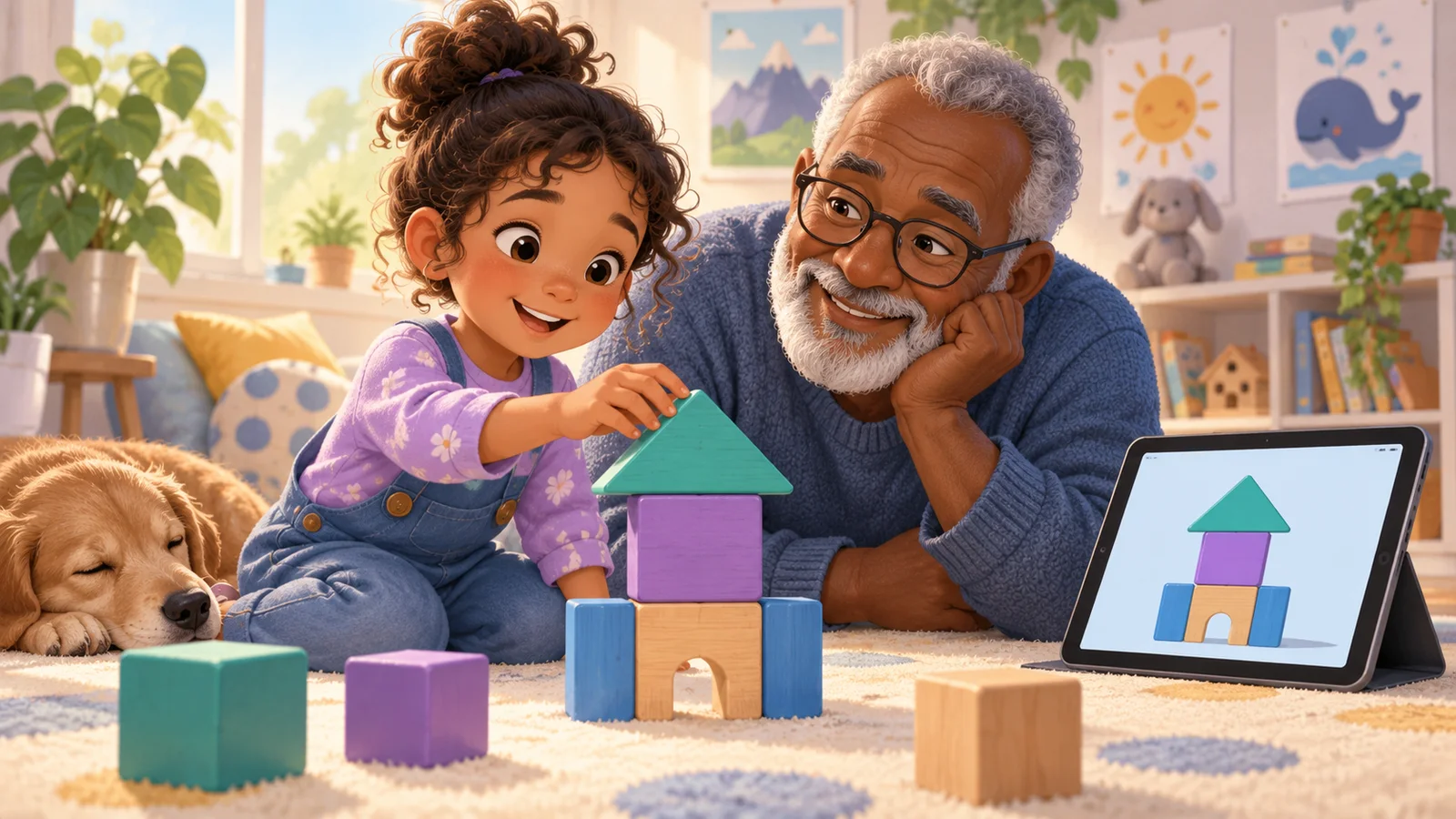
This isn't a browser game, but it's worth saying plainly: 10 minutes with real building blocks — Duplo, wooden blocks, whatever you have — before or after a digital session builds the same spatial reasoning (rotate, stack, balance) that transfers directly into 3D building games. A 6-year-old who's spent time stacking physical blocks tends to pick up a digital building game's camera and placement controls noticeably faster than one who hasn't.
Signs Your 6-Year-Old Has Had Enough
Six-year-olds don't usually announce "I'm done" — they show it. Watching for a few signals saves both of you a frustrating last five minutes:
- Clicking or tapping randomly, without looking at what they're building. This is usually the first sign focus has run out, well before they say anything.
- Asking "are we done yet?" or looking around the room instead of at the screen.
- Wanting to undo everything they just built. At 6, this is often less about the build itself and more about being tired, not a sign the game isn't working.
- Getting frustrated by a single missed click. A calm 6-year-old shrugs off a misplaced block; a tired one can spiral into a meltdown over it.
None of these mean the game is wrong for your child — they usually just mean the session is over for today. A gentle "let's save this and come back tomorrow" lands better than pushing through to a finished build.
A 10-Minute First-Session Plan
If this is genuinely the first time, here's a simple way to structure it rather than just handing over the mouse:
- Sit next to them, not across from them, so you're both looking at the same screen from the same angle.
- Let them touch or click first, even if it's the wrong button. Correcting a wrong tap teaches the controls faster than you demonstrating first.
- Name what's happening out loud — "you placed a block," "now it's a wall" — since they can't yet read it off the screen.
- Celebrate the first small win immediately. The first block placed, the first shape completed — react like it matters, because at 6, it does.
- Stop at 10-15 minutes, even if they want to keep going. Ending on a high note makes them want to come back tomorrow; pushing to fatigue makes the next session harder to start.
FAQ
What if my 6-year-old can't read the menus yet?
Look for games built around icons, color, and ghost-outlines rather than text menus. If a game requires reading to navigate its main screen, it's likely built for an older age range regardless of what the box or app store listing says.
Should I sit with my 6-year-old the whole time, or let them go solo?
For the first several sessions, sit alongside them. At 6, this isn't a sign anything is wrong — it's simply the right amount of support for a brand-new skill. Most kids start wanting a bit more independence within a few weeks, and you can loosen up from there based on how they're doing.
How long should a first building-game session be at 6?
Ten to fifteen minutes is plenty for a first session. It's much better to end while your child still wants more than to push until they're frustrated or bored — the goal of session one is just "that was fun," not full mastery of the controls.
Is Minecraft itself an option at 6, or should I skip straight to alternatives?
That depends on a few specific readiness signals — reading level, camera-control experience, and attention span among them. We cover that question directly, with a short readiness check, in Is Minecraft OK for 6-Year-Olds?
Further Reading
- Minecraft Alternatives for Kids Under 8 — the wider roundup, compared across seven options
- Is Minecraft OK for 6-Year-Olds? — a straight readiness check if Minecraft itself is on the table
- Games Like Minecraft But Free — the full free-building-games hub
📋 Editorial Statement
Written by the KidsAiTools Editorial Team and reviewed by Felix. Our guides are written from a parent-builder perspective and focus on AI literacy, age fit, pricing transparency, and practical family use. We do not currently claim named external expert review or a child-test panel. We may earn commissions through referral links, which does not influence our reviews.
If you find any errors, please contact support@kidsaitools.com. We will verify and correct as soon as we can.
Last verified: October 8, 2026