AI Guides for Kids: Tutorials, Reviews & Parent Resources
86+ parent-perspective articles covering tutorials, tool reviews, safety checklists, and school-collaboration tips. Filter by age and type to find what your child needs today.

AI Reading Apps for Kids: 6 Tools That Build Real Literacy Skills (2026)
AI Reading Apps for Kids: 7 Tools That Build Real Literacy Skills (2026)

AI Tutoring Apps for Kids: 7 Platforms Worth Knowing (2026)
AI Tutoring Apps for Kids: 7 Platforms That Actually Improve Grades (2026)

AI Story Generators for Kids: 6 Tools That Spark Creativity (2026)
AI Story Generators for Kids: 6 Tools That Spark Creativity (2026)
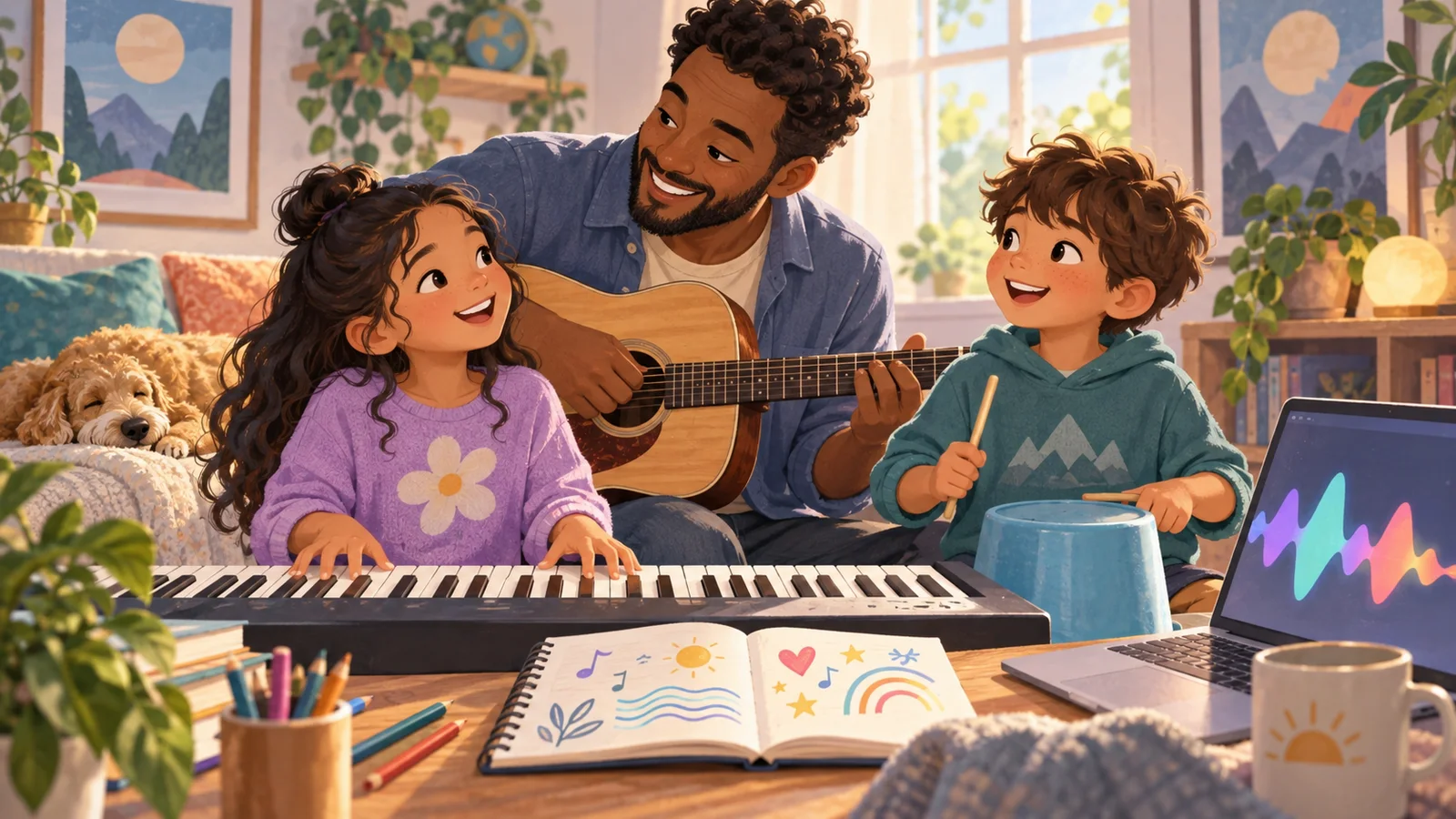
AI Music Makers for Kids: 7 Apps to Create Songs Without Instruments (2026)
AI Music Makers for Kids: 7 Apps to Create Songs Without Instruments (2026)

Kidgeni Review: Safe AI Art for Under-12s (2026)
Full review of safety features, art quality, pricing, and how it compares to Canva and Midjourney.
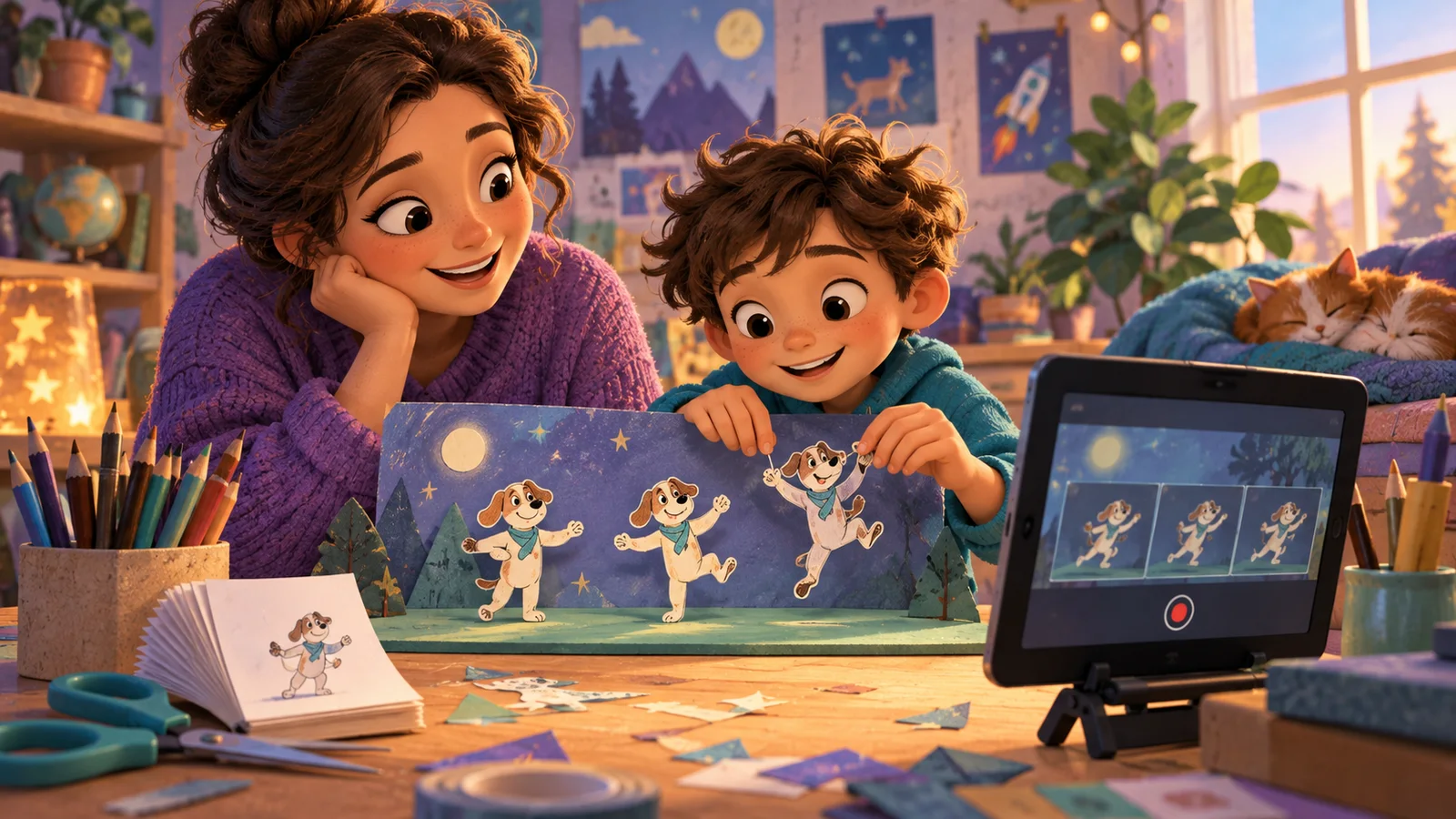
AI Video Making for Kids: Best Tools (2026)
Kids can now create videos with AI. We tested 6 AI video makers for safety, ease of use, and creative quality. From simple animations to full AI-generated clips.
AI Math Tutors for Kids: Top 5 Compared (2026)
Khanmigo, Photomath, Mathway, Socratic and Wolfram Alpha compared by accuracy, teaching method, and price.
AI Art Generators for Kids: 8 Safe Options Compared (2026)
We tested 15+ AI art generators with kids aged 6-15. Here are the 8 safest and most creative options, with pricing, age recommendations, and parent setup guides.
AI Reading Apps for Struggling Readers: Best Options for 2026
For decades, children who struggled with reading had limited options: tutoring, specialized therapy, or trying to keep pace with a class moving faster than they could follow. The emotional toll of fal
Best AI Music Creation Tools for Kids in 2026: Full Review
Music education has always faced a practical problem: the gap between a child's musical imagination and their technical ability to express it is huge. A seven-year-old might hear a full orchestral arr
Suno AI for Kids: Make Music Without Instruments
Your child hums melodies in the shower, makes up silly songs in the car, and drums on the kitchen table with chopsticks. They are musical. They just do not have the years of instrument training needed
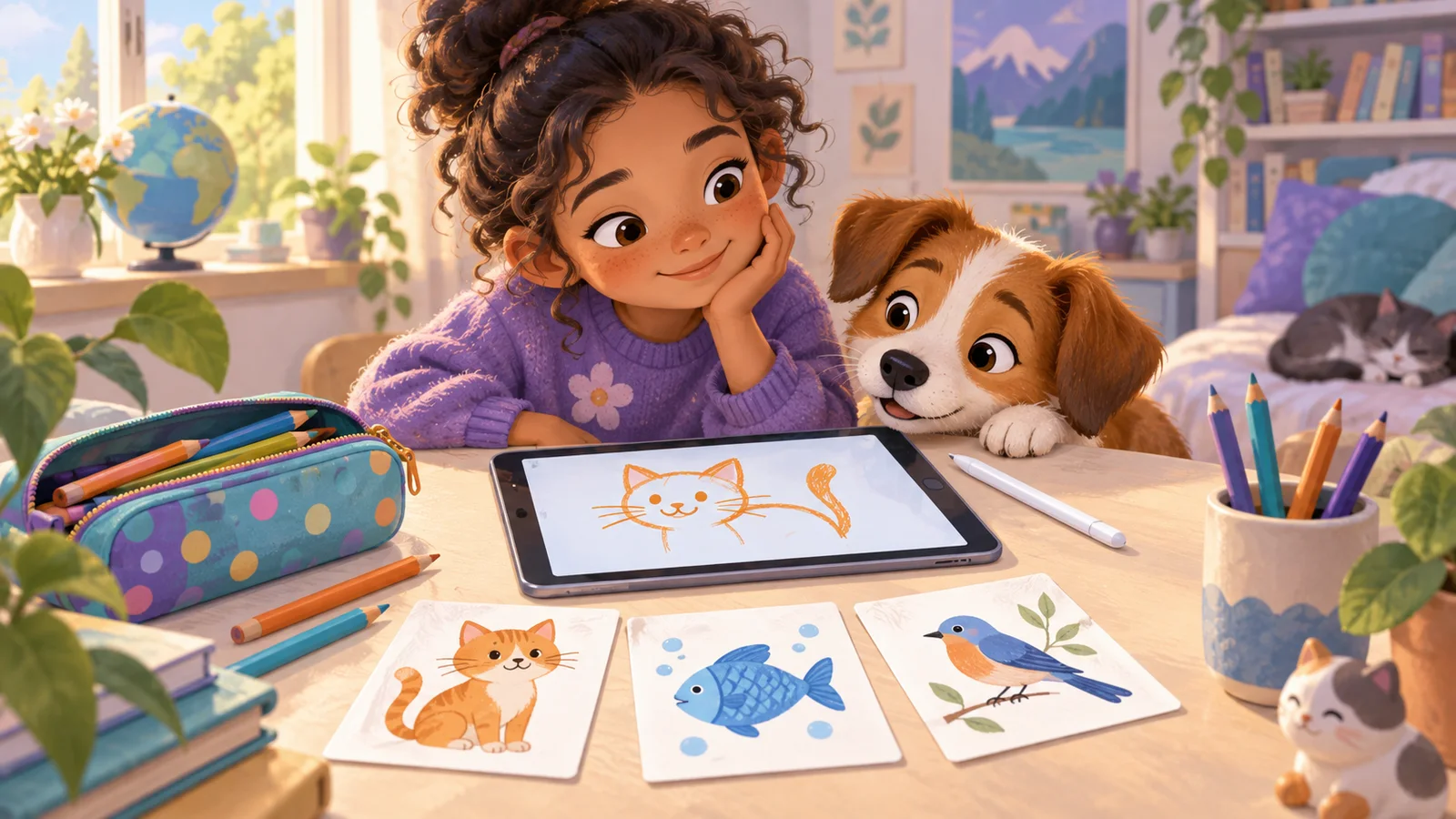
Quick, Draw! by Google: Why Kids Love This AI Game
Quick, Draw! is a free online game created by Google's AI experiments team. The concept is simple and addictive: the game gives you a word (like "bicycle" or "pizza"), and you have 20 seconds to draw
Frequently Asked Questions
What kinds of articles are in this library?
+
We organize by four types: Tutorials (step-by-step AI projects with your child), Guides (parent decision-making, e.g. "Is ChatGPT safe for an 8-year-old?"), Reviews (parent-perspective single-tool or comparison reviews), and News (AI education policy, new tool launches). Use the filter tabs above to narrow down.
Who writes these articles?
+
The KidsAiTools editorial team writes from a parent perspective — we use the AI tools we cover as parents, document what we observe, and publish our notes. We do not currently maintain a child-test panel or named expert reviewers; if we add either, we will disclose names, credentials, and review methodology on the methodology page.
How do I find articles for my child's age?
+
Use the age-group filter above (6-8, 9-12). Every article lists the age bands it applies to. If you have multiple children, start with our parent guides first, then read tutorials aimed at the youngest age in your household.
Where should I start if I'm new?
+
Three starter picks: "Kids AI Explained: What It Is" for the basics, "30 Safe ChatGPT Prompts for Kids by Age" for something you can use today, and "Khanmigo Review 2026" if you're evaluating paid tools. Any one of them gives you enough to start your first family AI session.
How often is the library updated?
+
We publish new parent guides regularly. Check the publication and update dates shown on each article, and review the tool’s current official policies before use.
Are tool reviews sponsored?
+
No. Reviews are based only on parent hands-on testing. We don't accept paid placements or free licenses from tool vendors. If a tool has a real problem, we write it plainly — no softened language.