Free AI Art Maker for Kids: No Signup, No Download, Just Type and Create
Version 2.10 — Updated October 2026
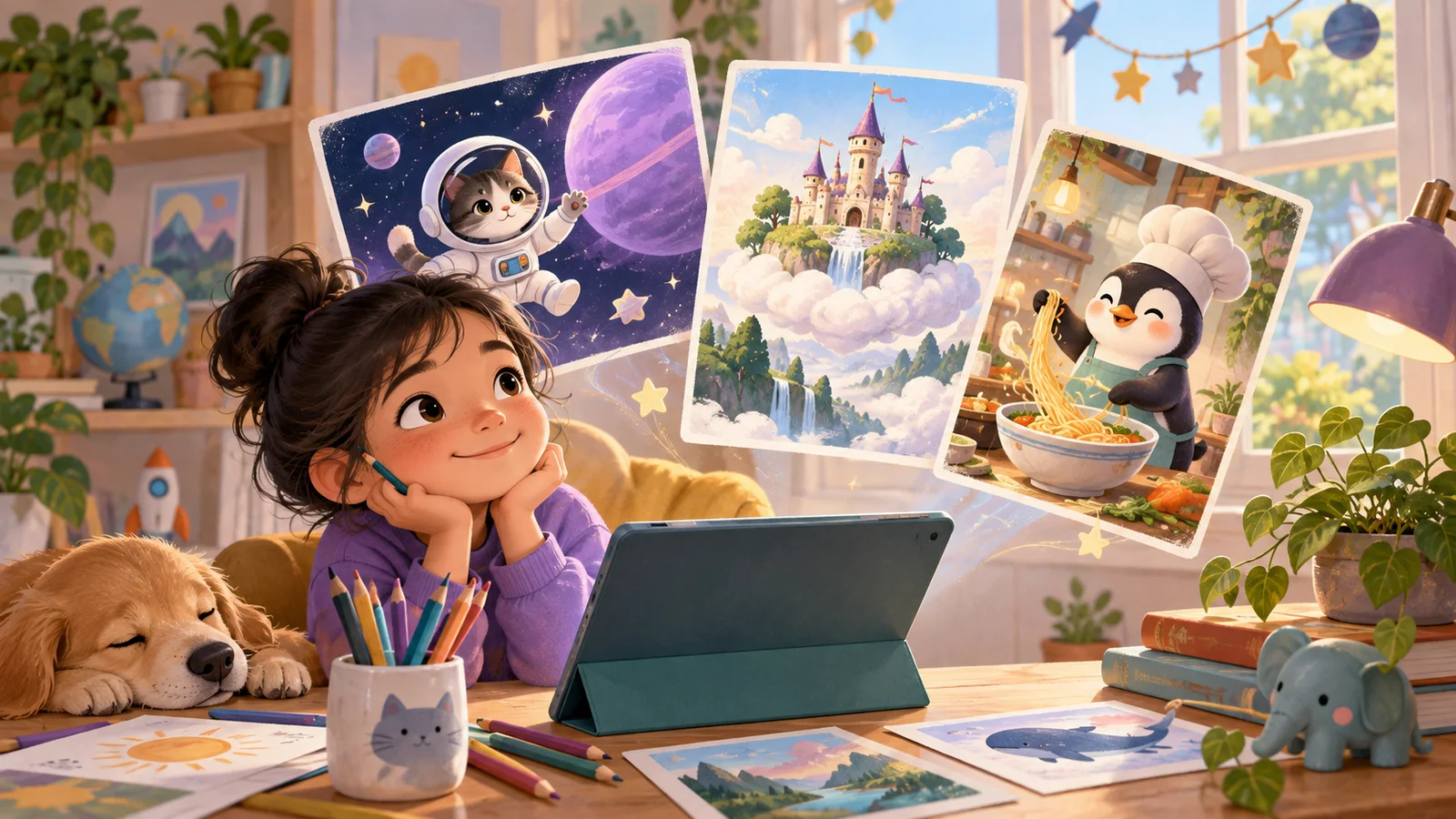
Imagine if you could describe ANY picture and someone would draw it for you in 10 seconds. That's what AI art does. You type a sentence, and AI creates the image.
Imagine if you could describe ANY picture and someone would draw it for you in 10 seconds. That's what AI art does. You type a sentence, and AI creates the image.
The weirder the sentence, the cooler the result.
How It Works (3 Steps)
Step 1: Type what you want. Like:
- "A cat astronaut floating in space with Earth in the background"
- "A treehouse made of candy in a magical forest"
- "A robot dog playing in the snow"
Step 2: Hit create. Wait 10 seconds.
Step 3: See what AI made. Is it what you imagined? What's different? What's weird?
That's it. No drawing skills needed. No artistic talent required. Just imagination + words.
10 Prompts to Try Right Now
Don't know what to type first? Start with these:
- 🐱 "A giant cat sleeping on top of a city"
- 🏰 "An ice castle with Northern Lights in the sky"
- 🐉 "A friendly baby dragon learning to fly"
- 🍕 "A house made entirely of pizza"
- 🌊 "An underwater kingdom with crystal buildings"
- 🚀 "A school bus that's also a spaceship"
- 🎸 "A penguin playing electric guitar on stage"
- 🌺 "A garden where every flower is a different color of the rainbow"
- 🦖 "A dinosaur wearing a chef's hat cooking pancakes"
- ✨ "Your dream bedroom (describe exactly what you want in it)"
Pro Tips: How to Get Better Results
Be specific. "A dog" gives you a random dog. "A golden retriever puppy sitting in a field of sunflowers at sunset" gives you something amazing.
Add style words. Try adding to the end of any prompt:
- "...in cartoon style"
- "...as pixel art"
- "...like a watercolor painting"
- "...in neon colors"
- "...as a cute sticker"
Add mood words. "A forest" is OK. "A magical, glowing, mysterious forest at midnight" is 10x better.
Combine impossible things. The BEST AI art comes from mixing stuff that doesn't go together: "a library underwater" or "a snowman on a tropical beach" or "a dragon who's afraid of butterflies."
Is It Safe?
Yes. This isn't ChatGPT or Midjourney — it's specifically built for kids:
- ✅ Every image goes through a safety filter before you see it
- ✅ No chat with strangers
- ✅ No account needed (no personal data collected)
- ✅ No ads or purchase prompts
- ✅ Content stays age-appropriate
What Can You Do With Your Art?
- Save it to your device (download button)
- Send it to friends or family
- Use it as your phone wallpaper
- Print it and put it on your wall
- Start a collection — make an AI art gallery of your best creations
The Challenge: Make 5, Pick Your Best
Here's your mission:
- Make 5 different images using 5 different prompts
- Pick the ONE you like most
- That's your masterpiece
More Cool Stuff
🧱 Like building? Blocky's 3D Block Adventure — build 3D stuff with blocks. You can even type "a castle" in AI Magic Build and watch it build block by block.
✏️ Like drawing yourself? Wendy's Drawing Game — you draw, AI guesses. Her wrong guesses are hilarious.
📖 Like making up stories? Story Studio — you pick the twists and the AI keeps the story going. Up to 10 free stories a day.
📋 Editorial Statement
Written by the KidsAiTools Editorial Team and reviewed by Felix. Our guides are written from a parent-builder perspective and focus on AI literacy, age fit, pricing transparency, and practical family use. We do not currently claim named external expert review or a child-test panel. We may earn commissions through referral links, which does not influence our reviews.
If you find any errors, please contact support@kidsaitools.com. We will verify and correct as soon as we can.
Last verified: October 8, 2026