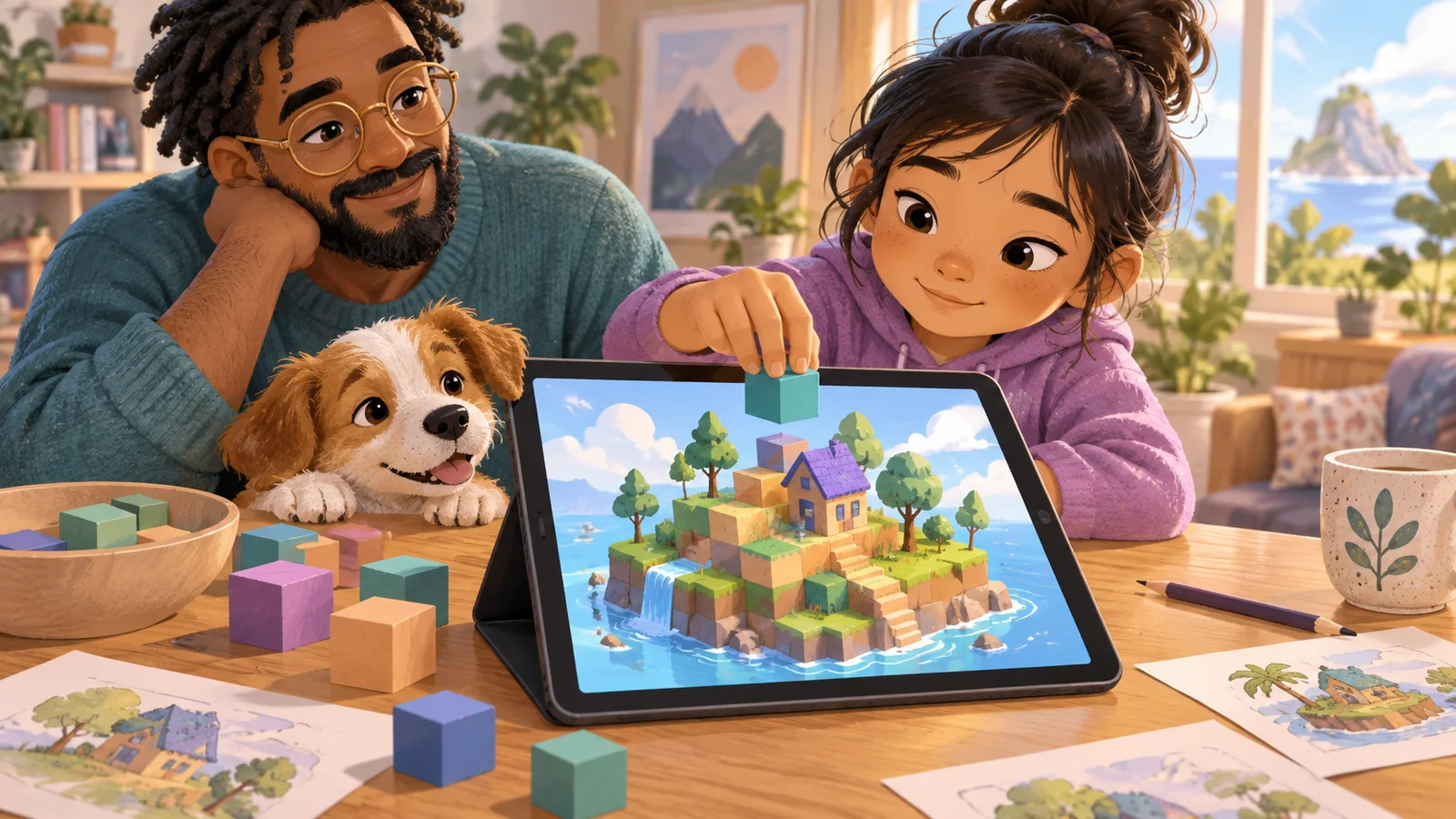
Best Building Games for Kids on iPad (No App Store, No Download Required)
Version 2.10 — Updated October 2026
Most "best iPad games for kids" articles send you to the App Store. This one goes the opposite direction. After watching enough parents trapped in the cycle of download → evaluate → uninstall → downlo
Most "best iPad games for kids" articles send you to the App Store. This one goes the opposite direction. After watching enough parents trapped in the cycle of download → evaluate → uninstall → download something else → realize it has ads → uninstall again, I've come to believe that the App Store is not actually the best place to find a building game for your kid on iPad. The best place is the browser. Specifically, the Safari (or Chrome) browser that's already on the device, opened to a web-based 3D building game that runs without installing anything.
This guide walks through why browser-based building games are often a better choice than App Store games for kids on iPad, then lists the options that actually work well in mobile Safari in 2026.
Why Browser Games Beat App Store Games for Kid Building
Five specific reasons, all practical:
No install commitment. You try the game by tapping a link. If it's bad, you close the tab. No uninstall, no "are you sure?" dialog, no leftover data. This matters because it lowers the cost of experimentation, which means you try more things and find better fits faster.
No account or email. The App Store process usually involves Apple ID authentication, often age verification, sometimes email confirmation. Browser games skip all of this. A 6-year-old can open a link on an iPad and start playing in 10 seconds.
No app permissions. iPad apps often ask for camera, microphone, notifications, contacts, or tracking permissions — sometimes for legitimate reasons, sometimes not. Browser games run in the sandbox of the browser, which has stricter default permissions and doesn't ask for most of these.
No background data usage. Installed apps can run background processes, sync data, and push notifications. Browser games stop existing when you close the tab. From a privacy and battery standpoint, this is cleaner.
Same experience on every device. A browser game running on iPad works identically on an iPhone, a Chromebook, or a laptop. You don't have to buy the app again on a different platform or worry about cross-device progress.
None of this means App Store games are bad — Toca Builders, Minecraft, and LEGO Bricktales are all excellent paid App Store games. But for a free building game you're going to try on an iPad without knowing if your kid will like it, the browser route is almost always faster and cleaner.
What Makes a Browser Game Work on iPad
Not every browser game runs well in mobile Safari. The specific things that matter for iPad-compatible building games:
- Touch controls optimized for fingers, not mice. Large tap targets, pinch-to-zoom, no tiny UI elements that assume pointer precision.
- Responsive layout. The game adapts to iPad's portrait and landscape orientations automatically.
- No Flash, no outdated plugins. Apple killed Flash in Safari years ago; anything still using it won't run.
- WebGL or Three.js for 3D. Modern browsers handle 3D graphics well, but the game has to be built with web technologies, not Unity or Unreal exported clumsily.
- Smooth frame rate on mid-range hardware. iPad frame rates are usually good, but an older iPad (pre-2020) needs the game to be lightweight.
- Offline-friendly or forgiving. Browser games can't fully work offline, but they should handle brief connection drops gracefully.
The Shortlist
| Game | Works in Safari | Free | Ads | In-App Purchases | Age |
|---|---|---|---|---|---|
| Blocky's 3D Block Adventure | ✅ Yes | ✅ Free | ❌ None | ❌ None | 4-12 |
| Mine Clone (browser) | ✅ Yes | ✅ Free | Some | None | 8+ |
| Vectaria.io | ✅ Yes | ✅ Free | Some | None | 9+ |
| World Craft HD (browser) | ✅ Yes | ✅ Free | Some | None | 8+ |
| 3D Block Builder (CBC Kids) | ✅ Yes | ✅ Free | None | None | 6+ |
Five options is fewer than most listicles but I'm only including games that actually work well on iPad, actually run in Safari, and actually have acceptable safety profiles.
Deep Dive: The Two Best iPad-Browser Building Games
Blocky's 3D Block Adventure
This is the option designed most explicitly for iPad use. The touch controls are built for tapping and dragging with fingers, not mouse-clicking. Camera rotation uses pinch-and-drag. Block placement is a tap on the target grid. The UI is large and finger-friendly, and the game is optimized for the screen sizes that iPads actually use.
Specifically for iPad parents: you can save the game as a home screen icon ("Add to Home Screen" in Safari's share menu) and it opens like a native app with no browser chrome. Most kids won't notice the difference between this and a downloaded app, but you get all the benefits of browser distribution — no App Store friction, no account, no permissions dialogs, no commitment.
What works at age 4-12 on iPad: 15 structured levels across 3 worlds, ghost-wireframe targets, auto-snap placement, one-tap share poster, zero ads, zero in-app purchases.
3D Block Builder (CBC Kids)
The Canadian Broadcasting Corporation's CBC Kids portal hosts a simple 3D building game called 3D Block Builder. It's less feature-rich than Blocky's but has the virtue of being hosted by a trusted public broadcaster, which means no weird ad content. For parents who prioritize "known safe source" over "best features," it's worth bookmarking.
What makes it work at age 6+ on iPad: basic 3D block placement, wood/stone/water block types, hammer tool for creating new blocks, and zero ad content.
What to Skip on iPad Browser
A few common results for "iPad browser games for kids" that I'd avoid:
- Browser versions of games that really want to be apps. Some of the "browser-based" Minecraft clones are technically browser-based but perform badly on iPad, with choppy frame rates and unresponsive touch. If it doesn't run smoothly in the first minute, move on.
- Aggregator sites with heavy ad content. Some free game portals host decent games but surround them with inappropriate ad content that kids will see between plays. Safer to go direct to the game's own URL.
- Anything that asks for an email or account to "save progress." Progress saving is nice, but the cost (data collection, marketing emails, eventual paywall pressure) usually isn't worth it for young kids.
How to "Install" a Browser Game on iPad
This is the one trick parents should know. In Safari, navigate to the game's URL. Tap the Share button (square with arrow pointing up). Scroll down to "Add to Home Screen." Name the icon whatever your kid wants. Now the game has an icon on the iPad home screen that launches it like an app — full screen, no Safari address bar visible. From your kid's perspective, it's indistinguishable from a downloaded app.
This works for most browser-based 3D games, and it's the cleanest way to give a young kid easy access to a web game on iPad without requiring them to navigate URLs or bookmarks.
Start Free, Add to Home Screen
Blocky's 3D Block Adventure is the best iPad-browser building game for kids in 2026 — free, no install, optimized for touch:
- Runs natively in mobile Safari and Chrome on iPad
- "Add to Home Screen" for app-like launching
- Touch-optimized controls for fingers, not mice
- Zero ads, zero in-app purchases, zero chat, zero accounts
- Three-world build campaign, 15 levels total, tuned for ages 4-12
- One-tap share poster to save builds to your iPad camera roll
Try it on your iPad: kidsaitools.com/en/blocks
Further reading: Common Sense Media on games like Minecraft, and a practical parent guide to safer browser-based games.
Ready to try this with your child?
If this guide helped, the fastest way to put it into practice is to try one of our own kid-safe tools below. Each one runs in the browser, starts free, and takes less than a minute to try with your child.
| Your child's goal | Try this | Why it works |
|---|---|---|
| Build 3D creations hands-on | 🧱 3D Block Adventure | Browser-based 3D building: 15 levels plus AI Magic Build. Ages 4-12, no downloads. |
| Play an AI game right now | 🎨 Wendy Guess My Drawing | Draw for 20 seconds and the AI tries to guess. Ages 5-12, zero setup. |
| Create art or stories | 🎨 AI Creative Studio | Built-in safety filters. No sign-up needed for 10 stories and 2 AI pictures a day. |
| Pick the right AI tool for your child | 🛠️ 50+ Kid-Safe AI Tools | Filter by age, price and safety rating. |
All four start free, run in the browser, and never ask for a credit card up front.
For you, the parent: Evaluate Any AI Tool in 10 Minutes goes deeper on this — a step-by-step guide in the KidsAiTools Parent Library.
📋 Editorial Statement
Written by the KidsAiTools Editorial Team and reviewed by Felix. Our guides are written from a parent-builder perspective and focus on AI literacy, age fit, pricing transparency, and practical family use. We do not currently claim named external expert review or a child-test panel. We may earn commissions through referral links, which does not influence our reviews.
If you find any errors, please contact support@kidsaitools.com. We will verify and correct as soon as we can.
Last verified: October 9, 2026