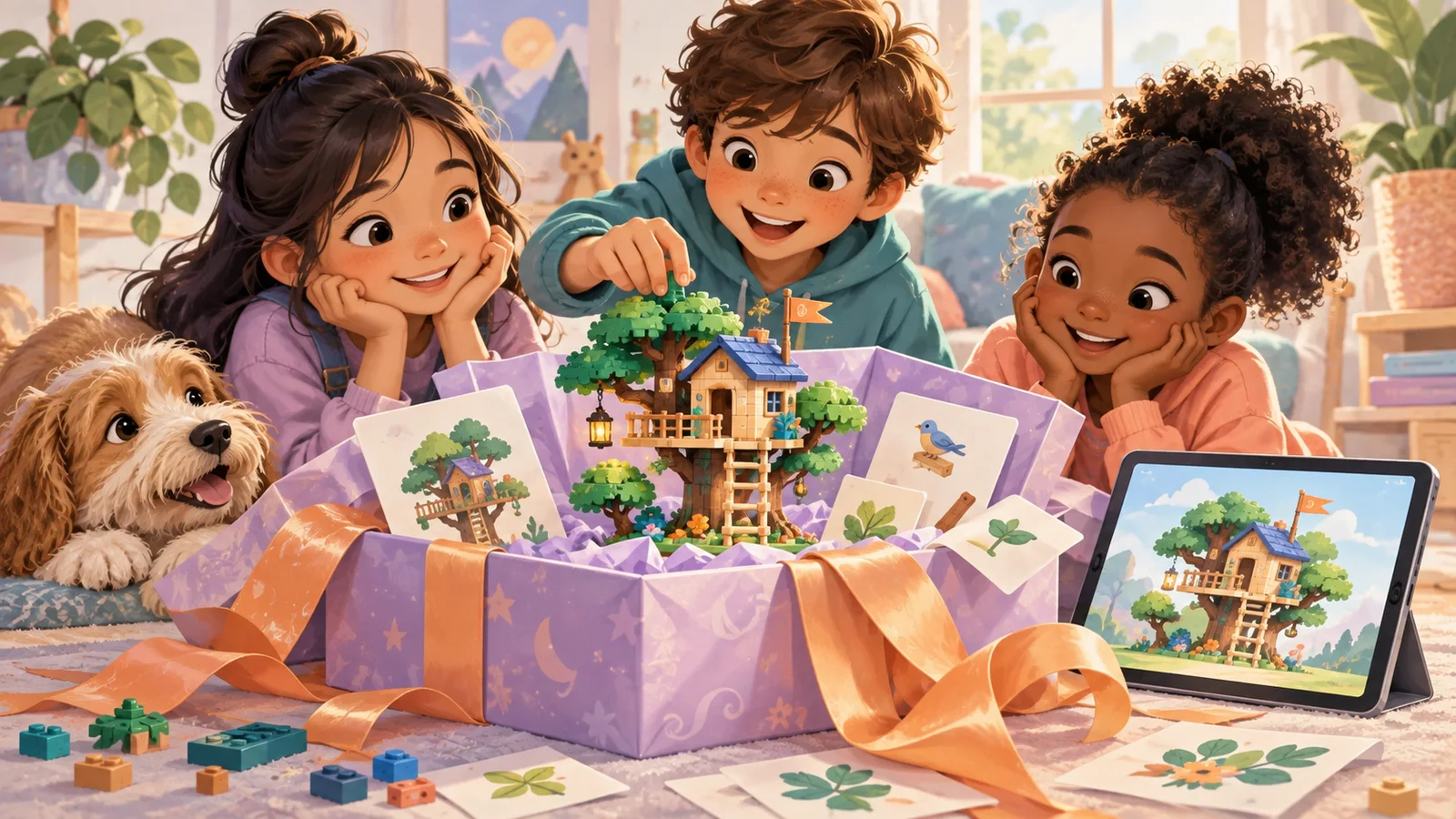
Gift Guide: The Best Browser-Based Building Games for Kids (Free, No Subscription)
Version 2.10 — Updated October 2026 | Reviewed by Felix
Not every good gift comes in a box. Some of the best gifts for kids in 2026 are free, digital, and available instantly — no shipping, no wrapping, no "assembly required." Browser-based building games
Not every good gift comes in a box. Some of the best gifts for kids in 2026 are free, digital, and available instantly — no shipping, no wrapping, no "assembly required." Browser-based building games are the gift that costs nothing, teaches spatial reasoning and creativity, and doesn't clutter up the playroom.
This guide is for the parent, grandparent, aunt, or teacher who wants to give a child something meaningful without spending $50 on a toy that'll be forgotten in a week. Every option below is genuinely free, runs in any browser, and provides hours (sometimes months) of creative play.
How to "Gift" a Free Browser Game
Since you can't wrap a URL, here are three ways to make a free browser game feel like a real gift:
Option 1: The "Discovery Moment"
Sit with the child, open the game on their device, and say: "I found something special for you. Let me show you." Complete the first level together. The shared experience IS the gift.
Option 2: The Home Screen Shortcut
On their iPad or Chromebook, navigate to the game's URL, then "Add to Home Screen." Name it something fun: "Zoe's Building Lab" or "Max's 3D World." When they see a personalized icon on their home screen, it feels like an installed app — and it was "installed" specifically for them.
Option 3: The Starter Challenge Card
Print a simple card (or write one by hand):
"Your Building Challenge: Build a castle with 4 towers and a flag on top. When you're done, take a screenshot and send it to me! — Love, Grandma"
Include the URL. Now the game comes with a mission, which is more exciting than the game alone.
The 5 Best Free Browser Building Games to Gift
1. Blocky's 3D Block Adventure — Best for Ages 4-10
What makes it gift-worthy: 15 structured levels across 3 themed worlds give the child a built-in "unwrapping" experience — each level is like opening a new challenge. The one-tap share poster means the child can "send a thank-you" by sharing their first build with you.
Gift message idea: "I got you a 3D building adventure with 15 levels. Can you beat them all and send me the posters?"
URL: kidsaitools.com/en/blocks
2. Scratch — Best for Ages 8-14
What makes it gift-worthy: Scratch isn't just a game — it's a creative platform where kids can build actual games, animations, and interactive stories. Gifting Scratch is like gifting a video game studio. The child can make things and share them with the global Scratch community.
Gift message idea: "This is a tool that lets you make your own video games. Yes, really."
URL: scratch.mit.edu
3. AI Creative Studio — Best for the Art-Loving Kid
What makes it gift-worthy: The child describes what they want, AI helps create it, and the child refines it. The result is artwork the child feels ownership over — and can print, frame, or send as a gift back to you.
Gift message idea: "This AI will draw anything you describe. Try 'a dragon reading a book in a library' and see what happens."
URL: kidsaitools.com/en/creative-studio
4. Wendy Guess My Drawing — Best for a Laugh Together
What makes it gift-worthy: Your child draws for 20 seconds and Wendy, an AI owl, tries to guess what it is — the wrong guesses are half the fun. Free, in the browser, and a whole game of six rounds takes a few minutes.
Gift message idea: "Draw me something and let's see if Wendy can guess it. Whoever stumps her picks the next word!"
5. Townscaper — Best for Ages 8+ Who Love Beauty
What makes it gift-worthy: $5 (not free, but worth mentioning as a paid option if you want to spend a little). Click water, houses appear. It's the most visually beautiful building game available, and the "unwrapping" experience — watching the first town emerge — is magical.
Gift message idea: "Click anywhere on the water. Watch what happens."
The "No-Screen Gift" Alternative
If the recipient's family is screen-cautious, pair the digital game with a physical complement:
- Blocky's 3D Block Adventure + a $15 box of generic building bricks = "Build it digital, then build it real"
- AI Creative Studio + a $5 set of markers and sketchpad = "AI draws one version, you draw yours"
- Scratch + a $10 Scratch coding book = "Make games on screen, plan games on paper"
The combo respects the family's screen-time values while still introducing digital creation.
Why This Is Actually a Great Gift
A few reasons this isn't a "cheap" gift just because it's free:
- It teaches something. Every game on this list develops spatial reasoning, creativity, or AI literacy — skills that compound over years.
- It lasts. A toy gets boring in a week. A creative tool with 15 levels, free-build mode, and AI assistance stays interesting for months.
- It creates memories. "Remember when Grandma showed me the building game?" is a story. "Remember when I got another Lego set?" isn't.
- It's instantly available. Birthday is tomorrow and you forgot? This gift is ready in 30 seconds.
- It doesn't need shelf space. The family will thank you.
Quick Reference Card
| Child's age | Best gift | URL |
|---|---|---|
| 4-7 | Blocky's 3D Block Adventure | kidsaitools.com/en/blocks |
| 6-12 | AI Creative Studio | kidsaitools.com/en/creative-studio |
| 8-14 | Scratch | scratch.mit.edu |
| 5-12 | Wendy Guess My Drawing | kidsaitools.com/en/draw |
All free. All browser-based. All ready in 30 seconds.
Further reading: Best free educational games for kids 2026, building games for 6 year olds, best free LEGO alternatives 2026.
📋 Editorial Statement
Written by the KidsAiTools Editorial Team and reviewed by Felix. Our guides are written from a parent-builder perspective and focus on AI literacy, age fit, pricing transparency, and practical family use. We do not currently claim named external expert review or a child-test panel. We may earn commissions through referral links, which does not influence our reviews.
If you find any errors, please contact support@kidsaitools.com. We will verify and correct as soon as we can.
Last verified: October 8, 2026