Grok Bot vs Grok: What Parents Need to Know
Version 2.10 — Updated October 2026
Understand Grok chat, @grok on X and Grok Bot. Check account eligibility, shared access and whether an agent fits your family's actual learning task.
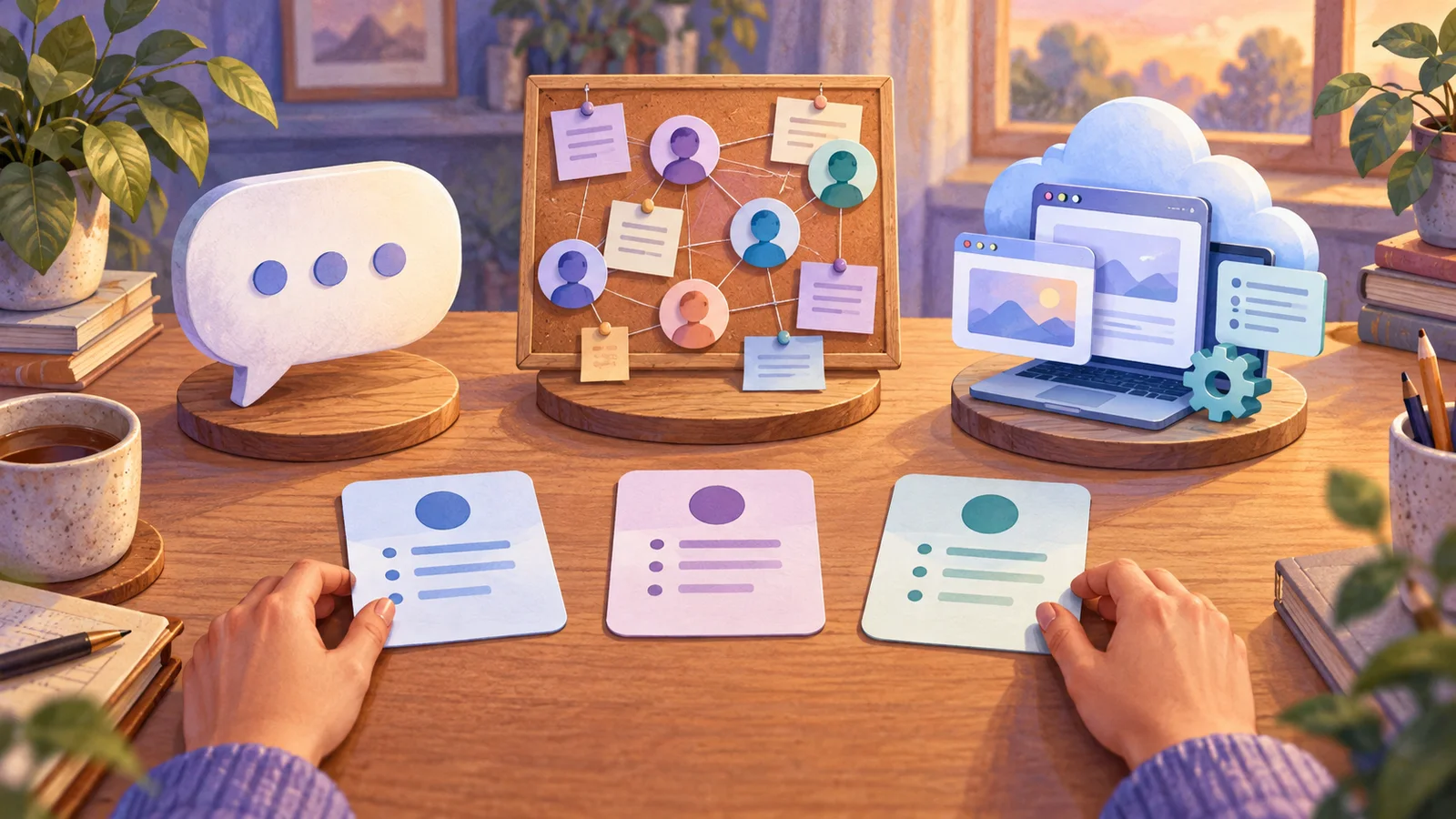
Grok Bot is an agent product that can carry out tasks using a persistent computer. It is not simply another name for chatting with Grok or mentioning @grok on X. For a parent, that changes the questions to ask: who may use it, which accounts it can reach and what it can do beyond returning an answer.
The current Grok Bot setup uses a Cursor account. Cursor's terms require users to be at least 18, or the local age of majority if that is higher. Do not carry over age assumptions from another Grok product or give a child independent access through an adult account. Grok Bot setup, Cursor terms
This article helps you identify the product and choose a suitable next step. It is not a recommendation to buy an agent for a child.
Documentation checked October 8, 2026. The decision exercises below are editorial examples, not results from a family product trial.
Three things a search for “Grok” can mean
| What you encountered | What to identify | The parent's next question |
|---|---|---|
| Grok chat in its app or website | A conversation with Grok; the particular mode and tools enabled matter | What are this surface's current age rules and capabilities? |
A mention of @grok on X |
An interaction through X; do not assume it has the same context or visibility as a private app conversation | Where will the request and response appear, and who can see them? |
| Grok Bot | A separate agent workflow using a Cursor account and a persistent computer | What can it access, change, retain or run again? |
For the chat and X surfaces, consult the Grok help overview alongside the rules shown in the product you actually use. A familiar name is not evidence that settings transfer between products.
There is also a naming trap: Grok Bot's documentation describes an X trigger using @bot for a linked account. That does not make @grok and @bot interchangeable. Grok Bot overview
Before following a tutorial, check its product name, sign-in provider and date. A guide about chatting with Grok may tell you nothing about the permissions requested by Grok Bot.
For a broader way to compare the task and access involved, use our family agent decision guide.
What changes when the tool can act?
A useful way to compare tools is to describe the end of the task.
“Give me three ideas for a library visit” ends with suggestions. “Book the visit, invite another family and update my calendar” ends with changes outside the conversation.
Both outputs can be wrong, but the second can also create a commitment, expose details to someone else or need an action to reverse it. The difference is the work and access involved, not how friendly the assistant sounds.
Grok Bot's documentation describes cloud work that continues after you close your laptop. It also says your Bots share files, browser sessions and app logins on one computer. Naming one Bot “Work” and another “Family” does not separate those resources. Official overview
This is why “I will just create a different Bot for my child” is not a sufficient account or information boundary.
Can kids use Grok Bot?
Treat the current account requirement as an adult boundary. It is distinct from whether a particular task sounds educational, whether a parent pays for the subscription and whether another Grok surface has different rules.
A parent can explain how agents work without providing access to an adult product. For example, you can ask the child to write instructions for a paper “helper,” then play the helper yourself. That preserves the learning task: defining a job and checking a result.
There is another point adults should check before considering personal use. The published Grok Bot supplemental terms describe authorized use for a customer's internal business purposes. That wording does not establish permission for a family-learning workflow. Check the agreement applying to your account; do not assume a work subscription covers home activities. Grok Bot terms, section 1.1
For that reason, the examples in this article are decision exercises you can do on paper, not instructions to connect family services to Grok Bot.
Does your family task actually need an agent?
Use these three examples to make the decision concrete.
Example 1: “I need a story idea for tonight”
The useful output is one short story outline. It does not require inbox access, a persistent browser or a recurring routine.
Write the requirement yourself:
A child and adult will invent a story together using three objects from the room. We need an opening sentence and two choices. The child should decide the ending.
You can use that instruction as an offline game. If an adult chooses an eligible AI service, the same brief can guide a bounded conversation. The child still makes the creative decisions.
Decision: start with the activity. An agent adds little unless you have another clearly defined need.
Example 2: “My child wants to learn what agents do”
Make four paper cards:
| Card | Proposed action |
|---|---|
| A | List three possible activities |
| B | Explain why one activity fits our time and materials |
| C | Send an invitation to a friend |
| D | Buy materials for the activity |
Ask your child to sort the cards into “suggest,” “explain” and “act outside the conversation.” C and D involve someone or something outside the discussion. Then ask where an adult should make the decision.
There is no need to simulate a real purchase or send a message. The learning comes from recognizing the difference.
Decision: use the paper exercise first. Discussing agent behavior does not require owning one.
Example 3: “I want several apps coordinated every week”
This is closer to an agent task, but it raises more questions before it becomes a family recommendation:
- Does the applicable account agreement permit this use?
- Can you limit the connected information to what the task needs?
- Can you inspect the proposed changes before they happen?
- Do you know how to stop recurring work and revoke access?
- Does the time saved outweigh the time needed to review mistakes?
Decision: if any answer is unclear, keep the process manual while you investigate. Product capability alone does not answer suitability.
Use this small decision sheet before trying another tool
Fill this out without opening an account:
The problem I want to solve:

The person who would operate the tool:
The exact product and account rules checked:

The smallest useful output:
Information needed for that output:
Any change needed outside the conversation:

What I would inspect before acting:
How I would stop or undo the work:

Could an offline activity or ordinary draft solve this instead?
My next step:
Here is a fictional completed version:
Problem: I run out of ideas for short family activities. Operator: adult. Smallest output: three ideas using materials we already own. Information needed: general age range, available time, materials. External change: none. Review: check instructions and choose with the child. Next step: write a three-card activity list; no agent account needed.
This is a successful outcome. A good tool decision can be to use something simpler.
If an eligible adult already uses Grok Bot
Keep a clear distinction between assessing your existing setup and inviting a child into it. Review the resources the account can reach before introducing any family material.
For consequential actions, inspect the destination and effect before approving. Grok Bot's documented approval options include allowing once, allowing matching future actions and denying. Automated review does not eliminate mistakes. Security documentation
For a new or unfamiliar task, avoid treating a broad standing approval as a convenience checkbox. A proposal to draft text and a proposal to send it require different decisions.
When a task ends, inspect routines, connections and stored material separately. The supplemental terms warn that deleting a Bot may leave shared files, sessions, credentials or routines behind. Follow the relevant cleanup instructions rather than assuming the Bot's disappearance means its access has ended. Grok Bot terms, section 4
Frequently asked questions
Is Grok Bot the same as the Grok chatbot?
No. Identify the exact product. Grok Bot's persistent computer and external actions require a different assessment from a simple chat request.
Does having a Grok subscription automatically settle access?
No. Follow the current Grok Bot setup and billing instructions for eligible linked plans and accounts. Subscription branding does not remove account, plan or age conditions. Current setup documentation
Can a child use it if a parent stays nearby?
Do not assume supervision overrides the account terms. The paper exercises above let a child learn about instructions, decisions and verification without operating an adult product.
Is a new Bot a private space separate from my other Bots?
Do not treat it that way. The documented shared computer means resources such as files and signed-in sessions may be available across your Bots.
Should I replace our existing homework routine with an agent?
Start with the learning problem. If your child needs practice explaining an answer, automating the work may remove that practice. Choose a method that leaves the relevant thinking to the learner and fits the teacher's rules.
Make the next decision about learning
If your main question is whether a tool belongs in your household, start with the free preview of Evaluate Any AI Tool in 10 Minutes. If you want a sequence for teaching children to describe tasks and check results, see From Prompts to Skills to Agents.
Before comparing subscriptions, complete one sentence: “I want my child to practice ______.” Let that answer guide the next activity.
📋 Editorial Statement
Written by the KidsAiTools Editorial Team and reviewed by Felix. Our guides are written from a parent-builder perspective and focus on AI literacy, age fit, pricing transparency, and practical family use. We do not currently claim named external expert review or a child-test panel. We may earn commissions through referral links, which does not influence our reviews.
If you find any errors, please contact support@kidsaitools.com. We will verify and correct as soon as we can.
Last verified: October 8, 2026