Lego Education at Home Without the $200 Price Tag (2026 Parent Guide)
Version 2.10 — Updated October 2026
LEGO Education is brilliant. LEGO Education is also expensive. A single SPIKE Prime set costs $395. A BricQ Motion Essential is $110. The complete STEAM Park for early learners is $220. And most of th
LEGO Education is brilliant. LEGO Education is also expensive. A single SPIKE Prime set costs $395. A BricQ Motion Essential is $110. The complete STEAM Park for early learners is $220. And most of these sets are designed for classroom use — 2-3 students per set, with a teacher guiding the lesson. A parent buying one for home use is paying classroom prices for a single kid, without the teacher, and the kid will probably lose half the pieces within a month.
This article is for parents who want the learning outcomes of LEGO Education without the price tag. The good news is that LEGO Education's core value isn't in the plastic — it's in the structured challenges, the build-test-iterate cycle, and the connection between building and STEM concepts. All of which can be replicated at home with cheaper materials or free digital tools.
What LEGO Education Actually Teaches (It's Not What You Think)
Most parents assume LEGO Education is "fancy LEGO." It's not. LEGO Education products are designed around specific learning objectives:
- SPIKE Prime ($395): Programming with sensors and motors (robotics)
- BricQ Motion ($110): Physics concepts through mechanical builds (gears, levers, pulleys)
- STEAM Park ($220): Early STEM through guided building challenges (sorting, counting, engineering)
- WeDo 2.0 ($discontinued): Simple programming + building
The plastic bricks are the medium, not the curriculum. The curriculum is: give kids a specific challenge → let them build a solution → test if it works → iterate. That cycle doesn't require $395 of proprietary LEGO parts.
The Three Things You Need to Replicate It
1. Physical bricks (generic is fine): ~$30-50
Here's the dirty secret LEGO doesn't want you to know: for the purposes of learning engineering concepts, generic bricks work just as well as LEGO brand. The stud dimensions are identical (LEGO's original patent expired in 1978), and the builds that teach physics and engineering don't require the precision of collector-grade LEGO.
A $30 box of 1000 generic bricks (Amazon, AliExpress, or Walmart house brand) gives you more building variety than a $395 SPIKE Prime set. What you lose is the motors and sensors — but for kids under 10, the mechanical building challenges are more educational than the robotics anyway.
2. Structured challenges (free)
This is the part parents skip. Buying bricks without structured challenges is like buying paint without a class — you'll make something, but you won't learn systematically. LEGO Education's real value is the lesson plans, and many of them are available for free:
- LEGO Education's own website has free lesson plans for all their products, including ones that can be adapted for generic bricks
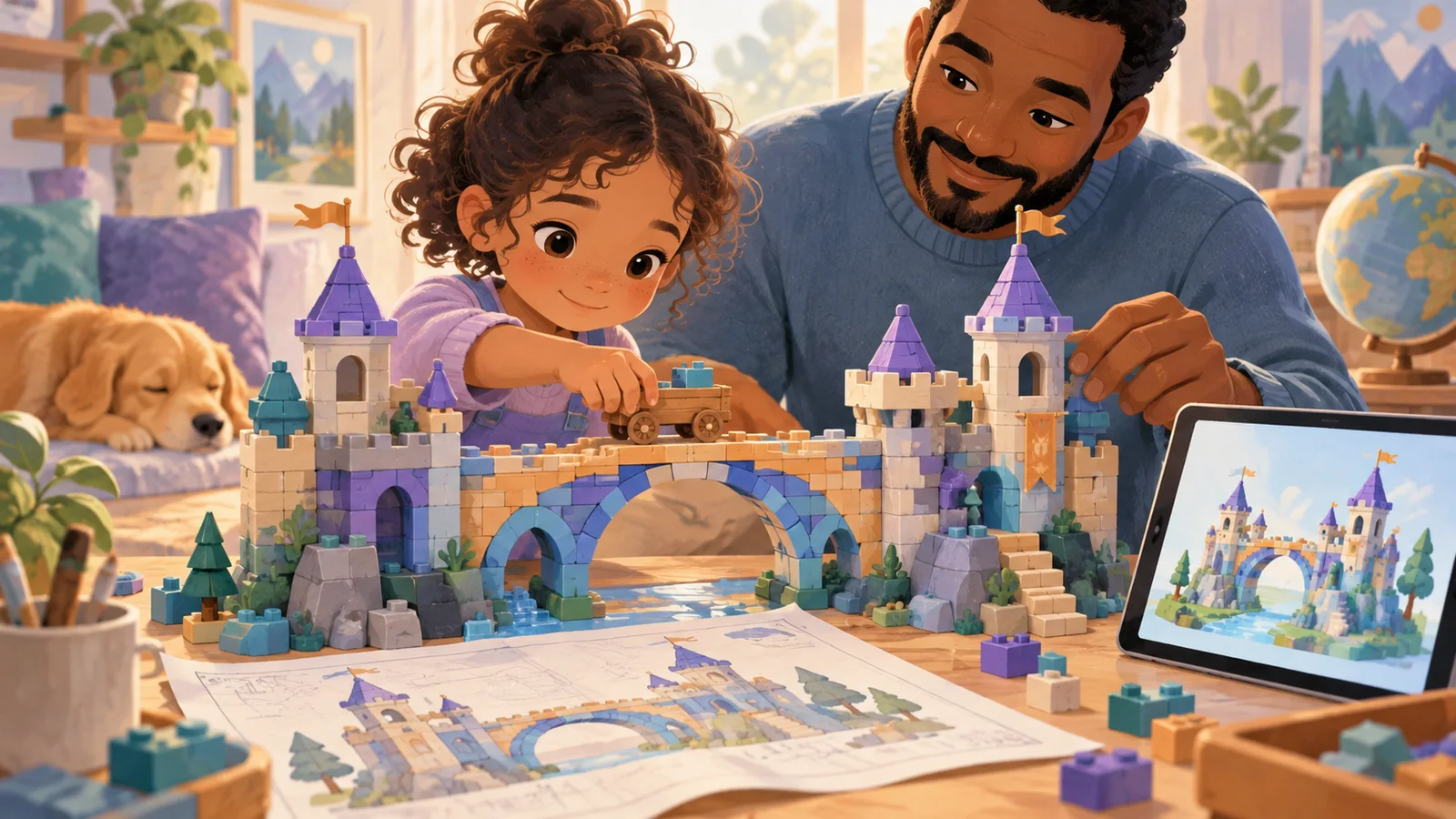
- STEM challenge cards (printable, free from many education blogs) give kids specific build challenges: "build a bridge that holds 5 toy cars" or "build a tower taller than 30 cm that doesn't fall"
- YouTube build challenges from engineering educators provide video-guided lessons
3. A digital 3D builder (free)
This is the piece most parents miss entirely. A digital 3D building tool adds something physical bricks can't:
- Infinite pieces — no "I'm out of 2x4 bricks" mid-build
- Unlimited undo — try 20 variations in the time physical takes to try 2
- No cleanup — 10-minute sessions without 15 minutes of sorting after
- AI-assisted building — type what you want, see AI compose it, modify it yourself
The combination of physical bricks + digital builder teaches more than either alone. Physical builds develop fine motor skills and real-world physics intuition. Digital builds develop rapid iteration and spatial reasoning. Together, they cover LEGO Education's full learning objective set at a fraction of the cost.
Weekly Schedule: LEGO Education at Home, $50 Total Budget
Here's a practical weekly schedule that replicates the outcomes of a LEGO Education curriculum for about $50 total (once-off) + free digital tools:
| Day | Activity | Tools | Time |
|---|---|---|---|
| Monday | STEM Challenge: Build a bridge that holds a book | Generic bricks | 20 min |
| Tuesday | Digital Free Build: Design something you'd want in your room | Browser 3D builder | 15 min |
| Wednesday | Physics Experiment: Build a ramp, test which ball rolls farthest | Generic bricks + balls | 20 min |
| Thursday | AI-Assisted Build: Type "a house with a garden" and modify the AI's version | Browser 3D builder (AI mode) | 15 min |
| Friday | Engineering Challenge: Build the tallest structure that doesn't fall over | Generic bricks | 20 min |
| Weekend | Free choice: Kid picks physical or digital building | Either | As long as they want |
Total weekly structured time: about 90 minutes. Compare that to a LEGO Education class: 60-90 minutes per week. Same dosage, $50 vs $395+.
The Digital Half: What to Use
For the digital building portion, you need a tool that's:
- Free (the whole point is avoiding the $200 price tag)
- Browser-based (no software to install)
- Kid-friendly (ages 6-10, no complex menus)
- Has structured challenges (not just a blank canvas)
| Tool | Price | Structured challenges | AI-assisted | Age range |
|---|---|---|---|---|
| Blocky's 3D Block Adventure | Free | Yes (15 levels) | Yes (Magic Build) | 5–12 |
| Minecraft Creative | $30 | No | No | 8+ |
| BrickLink Studio | Free | No | No | 12+ (too complex for young kids) |
Blocky's is the best fit here because it was designed for exactly this use case — structured 3D building for young kids, with progression levels that mimic the "challenge → build → celebrate" cycle of LEGO Education lessons.
What You're Gaining and Losing vs. Real LEGO Education
Let me be honest about the tradeoffs:
What you keep (90% of the value)
- ✅ Structured engineering challenges
- ✅ Build-test-iterate cycle
- ✅ Fine motor skill development (physical bricks)
- ✅ Spatial reasoning development (both physical and digital)
- ✅ STEM concept exposure (physics, geometry, engineering)
- ✅ Creative expression and pride in completed builds
What you lose (10% of the value)
- ❌ Robotics/programming with sensors and motors (SPIKE Prime specific)
- ❌ The specific LEGO Education curriculum alignment
- ❌ Classroom-compatible lesson plans with assessment rubrics
- ❌ The LEGO brand name on the box
For most home-educating families, that 10% is not worth a 4-8x price difference. The exception is families specifically pursuing competitive robotics (FLL, WRO) where SPIKE Prime hardware is often required.
When to Actually Buy LEGO Education
I'm not saying LEGO Education is never worth it. Here's when it is:
- Your child (10+) wants to do competitive robotics → SPIKE Prime is required for FLL
- You're homeschooling and need formal STEM curriculum alignment → LEGO Education's lesson plans are standards-mapped
- Your child has used free tools for 6+ months and is asking for more → Upgrade is justified by demonstrated interest
In all other cases, start with the $50 path and upgrade only if the child's sustained interest justifies it. Most kids' interest in structured STEM building is real but peaks in 3-6 month cycles — spending $400 on the first cycle is a gamble with bad odds.
Start the Free Digital Half Tonight
The fastest way to test whether your child will engage with structured building challenges:
Blocky's 3D Block Adventure — free, browser-based, 60 seconds from click to first completed build. If your child likes it, you have the digital half of your LEGO Education replacement. Add a $30 box of generic bricks and you're set.
Further reading: Best free LEGO alternatives for kids 2026, Physical LEGO vs digital 3D building, PBS Parents on spatial skills.
📋 Editorial Statement
Written by the KidsAiTools Editorial Team and reviewed by Felix. Our guides are written from a parent-builder perspective and focus on AI literacy, age fit, pricing transparency, and practical family use. We do not currently claim named external expert review or a child-test panel. We may earn commissions through referral links, which does not influence our reviews.
If you find any errors, please contact support@kidsaitools.com. We will verify and correct as soon as we can.
Last verified: October 22, 2026