Learning Guides
Comprehensive AI education guidance for parents and children, making learning safer and more effective
Education Guidance
Safety Protection
Practical Tips
Parent-Child Collaboration
All Articles
382 articles
📚 Guides
Say It Clearly, Build It Better: What Magic Build Can Teach
Help your child describe a Magic Build idea, compare what appeared with what they meant, and revise without writing the prompt for them.
5 min
6-8
9-11
12-15

📚 Guides
Build Together: Ten Minutes With Your Child in Blocks
A ten-minute way to join your child in Blocks without taking over: start with their choice, ask about one visible decision, and know when to stop.
5 min
6-8
9-11
12-15
📚 Guides
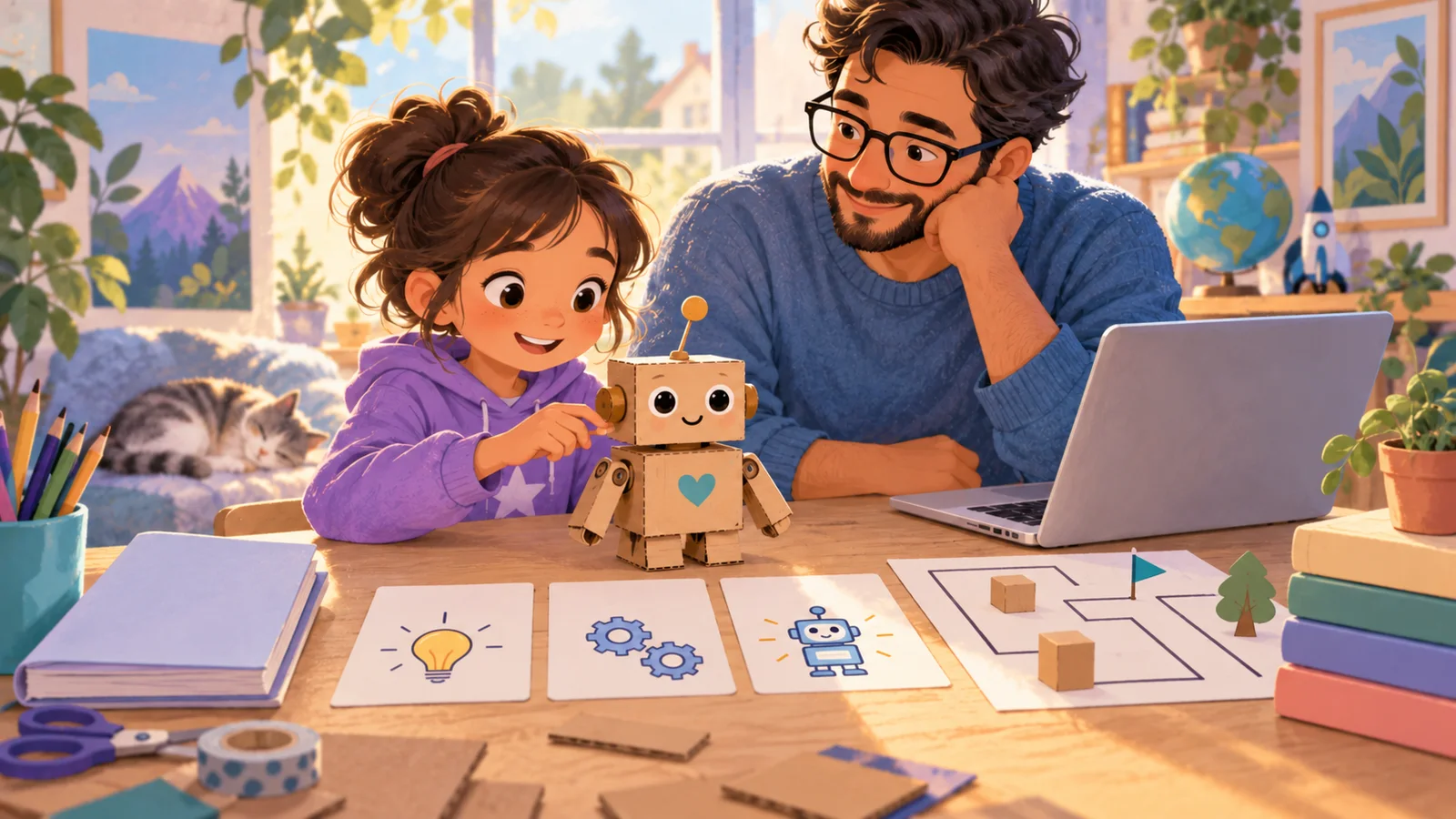
Build Your Kid's First AI Helper: An Assistant With Rules They Write
Your child gives a helper a job, writes its rulebook, builds it free in a Gemini Gem or a ChatGPT project, tries to break it with ten test messages, and ships version 2.
12 min
6-8
9-11
12-15

📚 Guides
The AI Study Coach: Set Up Any Chatbot to Make Your Kid Think, Not Copy
The chatbot that can do the homework can also make your child do it. The built-in learning modes, a coach instruction to paste, six routines with exact words, and a three-question check.
11 min
6-8
9-11
12-15
📚 Guides
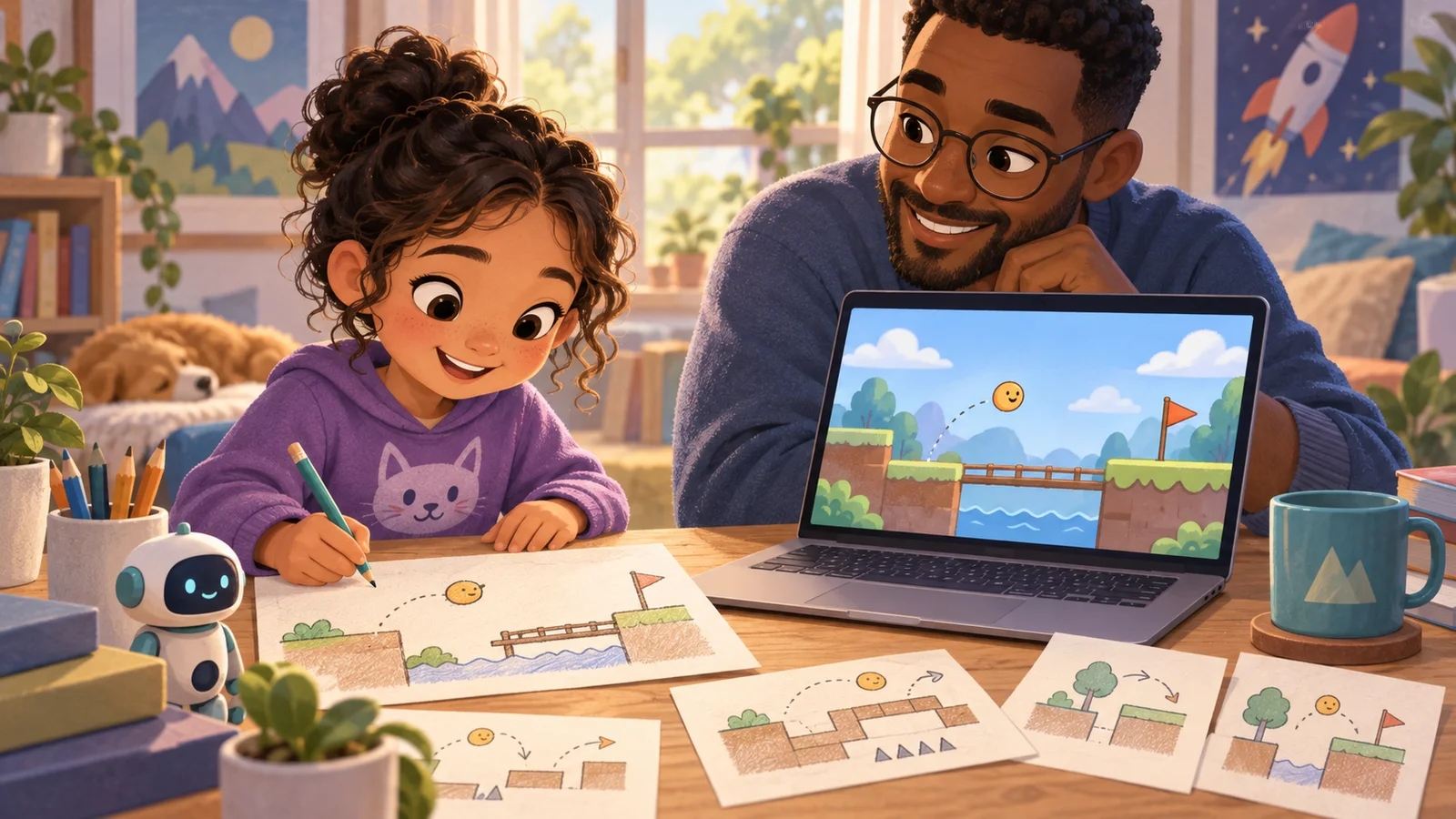
Say It, Play It, Fix It: Your Child's First AI-Made Game
A child who can talk can design a game: say it to an AI, play what it builds, say what to fix. The setup, the first sentence, five recipes, and the rule that keeps it making, not just playing.
15 min
6-8
9-11
12-15

📚 Guides
Is Meta AI Safe for Kids? WhatsApp, Instagram and the New Muse Agent (2026)
Short answer: Meta AI is built for 13 and up, it lives inside apps your child may already use (WhatsApp, Instagram, Messenger, Facebook), and it can't be fully switched off — so "is it safe" is rea...
8 min
9-11
12-15
📖 Tutorials
Gemini Prompts for Students by Grade: 40 Examples (K-12, 2026)
Gemini is the AI a lot of school-age kids have access to whether or not their family chose it, because it's inside Chromebooks, Google Classroom and the Google account their school gave them. Since...
12 min
6-8
9-11
12-15
📚 Guides
30 ChatGPT Prompts for 8-Year-Olds (Copy & Paste)
Eight is the age of chapter books, times tables, strong opinions about fairness, and the first real "but *why*?" that you can't answer off the top of your head. It's also the age when a child can t...
10 min
6-8
9-11
📚 Guides
Gemini Skills for Kids: 10 SKILL.md Skills for Gems and Antigravity (Free Pack, 2026)
Gemini has two homes for a skill, and they're different enough that a "Gemini skills" article is usually about one of them and vague about the other. In the Gemini app the reusable thing is a Gem: a n
14 min
6-8
9-11
12-15
📚 Guides
ChatGPT Skills for Kids: 10 SKILL.md Skills That Make ChatGPT Behave Around Children (Free Pack, 2026)
A skill is not a long prompt. It's a folder: a file called `SKILL.md` that tells the AI what to do and when, plus the reference files it should read while doing it. The AI sees only the skill's name a
14 min
6-8
9-11
12-15

📚 Guides
Your Child Said Something Worrying to an AI. What to Do, by Level.
A dark joke and a disclosure look identical in a chat window and need opposite responses. Three levels, what each looks like, and what to do in the first hour.
11 min
9-11
12-15
📚 Guides
Your Child's First AI Phone: The Setup Checklist Before You Hand It Over
Four doors the AI comes through on a first phone — the assistant, the store, the browser, the keyboard — who holds each key, and the one sheet to write down before it goes in their pocket.
10 min
9-11
12-15