Learning Guides
Comprehensive AI education guidance for parents and children, making learning safer and more effective
Education Guidance
Safety Protection
Practical Tips
Parent-Child Collaboration
All Articles
469 articlesCan You Turn Off Google AI Overviews for Your Child? What Works in 2026
No setting removes Google AI Overviews or AI Mode for kids or school accounts. See what parents can set, which tips work, and a script to check AI answers.
9 min
AI-Generated Videos on YouTube Kids: How to Spot Them and What You Can Actually Block
YouTube has no switch that turns off AI videos. See what its AI labels cover, 4 YouTube Kids settings that narrow what kids see, and a 5-minute setup.
9 min
How Old Do You Have to Be to Use ChatGPT, Gemini, Claude and Other AI Apps? (2026 Table)
Minimum ages for 10 AI apps from their own terms: most say 13+, Claude says 18+. Parent consent rules, teen modes and what to do if your child is younger.
9 min
Are AI Toys Safe for Kids? A Parent's Checklist Before You Buy (2026 Holiday Season)
Are AI toys safe for kids? What testing found, what U.S. rules cover, a 13-point checklist for the store or Amazon, and 10 questions to ask the toy first.
10 min
Is CapCut Safe for Kids? Age Rules, AI Features and Settings Parents Should Check (2026)
CapCut's terms set a minimum age of 13 and require parent consent under 18. See its AI features, app ratings and the settings to check before saying yes.
9 min
Your Child's School Paused AI. Should You Allow It at Home? (NYC, LA and the New Research)
NYC paused student AI for grades 2K–8 and LAUSD restricted it for all students. What each rule covers, and a home plan for ages 5–12 that respects it.
9 min
ChatGPT for Teens Rated "Unacceptable Risk" as States Sue OpenAI: What Parents Should Do Now
Common Sense Media rated ChatGPT for Teens Unacceptable Risk and 8 states sued OpenAI on Oct 14. What was found, what is alleged, and 6 steps for parents.
10 min

📚 Guides
ChatGPT Dots for Parents: Age Limits, Permissions and Family Learning Tasks
Can kids use ChatGPT Dots? Check age and access rules, then use 3 parent-run task templates with clear permissions and a practical review checklist.
11 min
📚 Guides
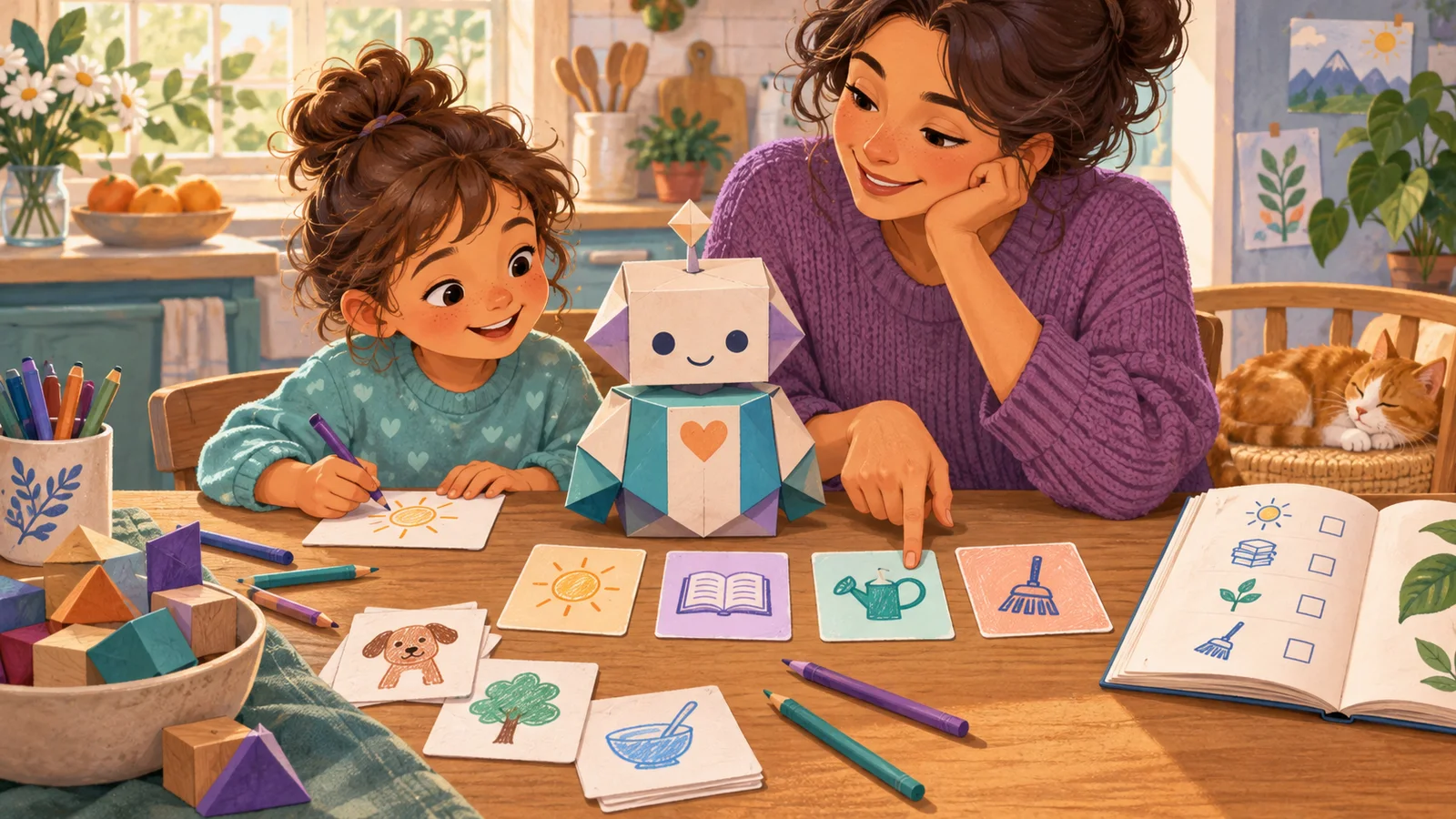
AI Agents for Kids? What Parents Should Know Before Saying Yes
Compare chatbots, saved assistants and action-taking AI agents. Use 4 questions and a paper activity to decide what fits your family's next step.
10 min

📚 Guides
Meta Muse for Parents: Plan a Week of Family Learning
Use Meta Muse to prepare 3 short family activities. Get a copyable brief, a sample week, review questions and clear boundaries for adult use.
10 min

📖 Tutorials
ChatGPT Flashcards and Quizzes: A Parent’s Guide to Better Practice
Turn notes into practice with ChatGPT: 8 sample flashcards, 5 quiz questions, checked answers and prompts that help students explain their reasoning.
13 min
📚 Guides
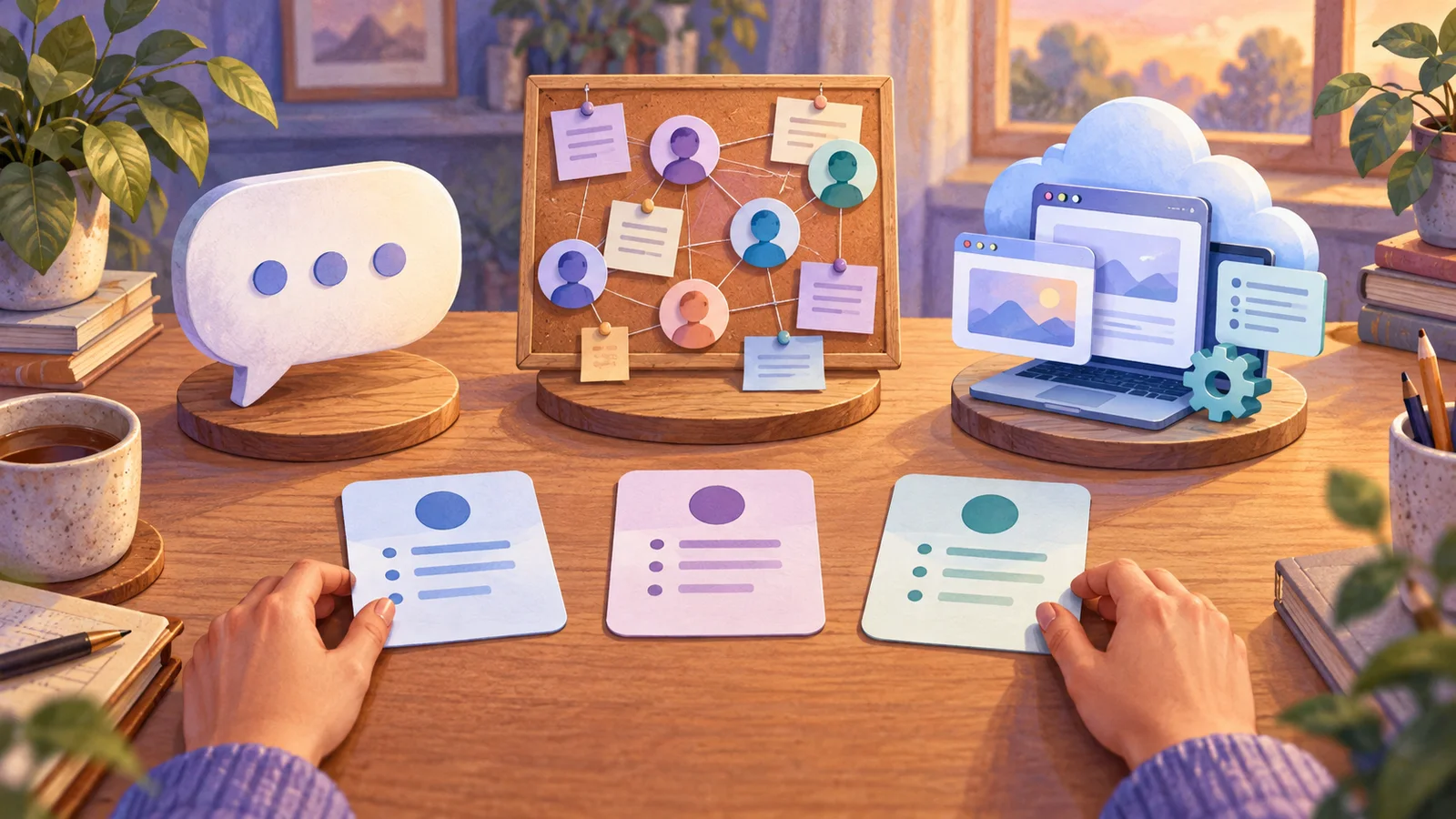
Grok Bot vs Grok: What Parents Need to Know
Understand Grok chat, @grok on X and Grok Bot. Check account eligibility, shared access and whether an agent fits your family's actual learning task.
8 min