Learning Guides
Comprehensive AI education guidance for parents and children, making learning safer and more effective
Education Guidance
Safety Protection
Practical Tips
Parent-Child Collaboration
All Articles
469 articlesChatGPT vs Claude vs Gemini for Homework in 2026: Age Rules, Privacy and Three Parent Scripts
Choose who may operate each assistant, keep school records out of prompts, and coach a learner through one hint, one source check and one independent retry.
9 min
6-8
9-11
12-15
Apple Screen Time vs Google Family Link vs Bark in 2026: A Family Device Safety Blueprint
Set up free controls on the devices your child actually uses, test bedtime and school exceptions, and decide whether paid monitoring solves a specific gap.
10 min
5-7
6-8
9-11
12-15
Desmos and GeoGebra for Ages 9–15: Three Visual Math Challenges for Families
Tilt a line, drag a triangle and fence a garden. Three browser challenges help ages 9–15 predict a result, test it and explain the math on paper.
9 min
9-11
12-15
Scratch and ScratchJr for Ages 5–14: A First Project, Offline Privacy and When to Move Up
Make a cat deliver a letter in 15 minutes. Choose ScratchJr or offline Scratch, check sharing settings and spot when your child needs a new block.
9 min
5-7
6-8
9-11
12-15
Code.org AI for Oceans: A 20-Minute No-Login Weekend Lesson for Ages 8–14
Teach training data, classification and bias with a boot, a fish and a 20-minute Code.org activity. Try four dinner-table questions and a fresh test.
9 min
9-11
12-15
Google Gemini With Family Link: Parent Setup and Age Boundaries for 2026
Check age and region before enabling Gemini, confirm the switch on the child's device and try three short text-only activities side by side.
8 min
9-11
12-15
Perplexity AI for Teen Research: Click, Verify and Write in Your Own Words
Teach a teen to follow a Perplexity citation, inspect the original evidence and write a defensible paragraph with an honest record of sources.
9 min
12-15
15+
A Free Reading Stack for Ages 4–10: Duolingo ABC, Read Along and Microsoft Reading Coach
Pick a free reading tool by the skill your child needs tonight. Check microphone privacy, choose one short passage and try a ten-minute shared routine.
9 min
5-7
6-8
9-11
📚 Guides
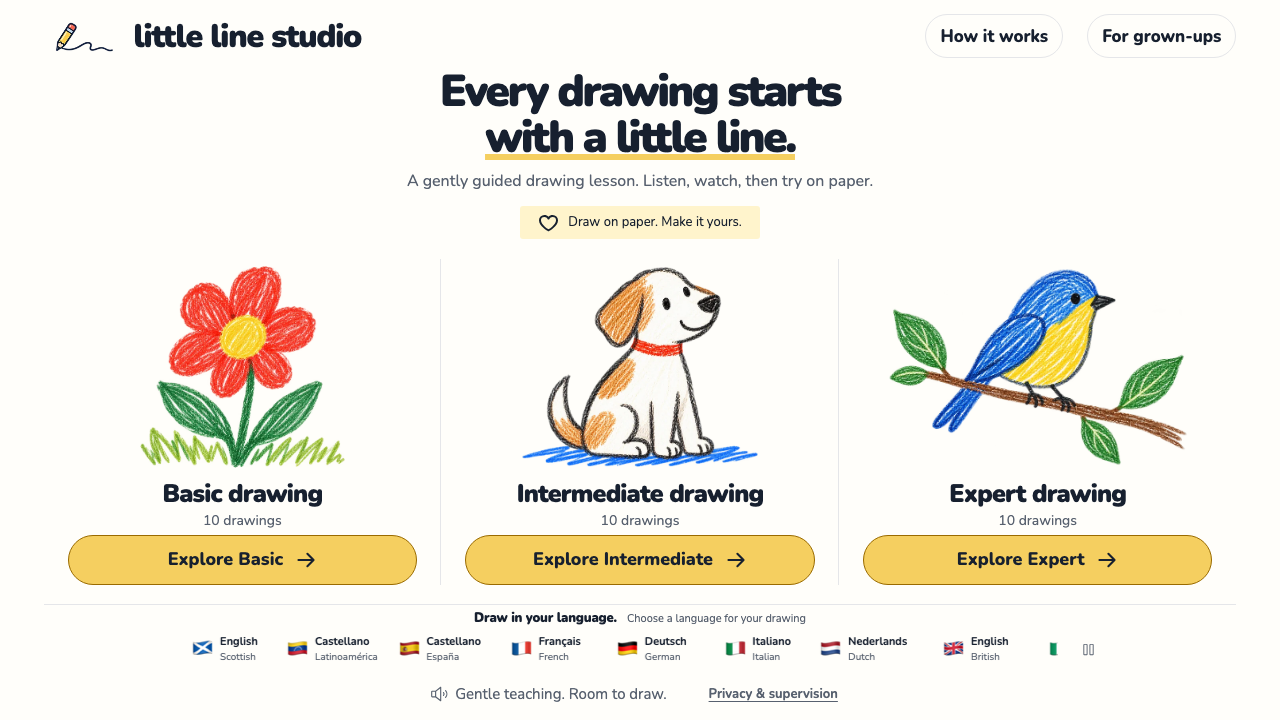
Little Line Studio: Guided Drawing on Paper for Kids
Set up paper and pencils, choose a Little Line Studio lesson and use pause, replay and more-time controls to draw alongside your child.
5 min
6-8
9-12
📚 Guides
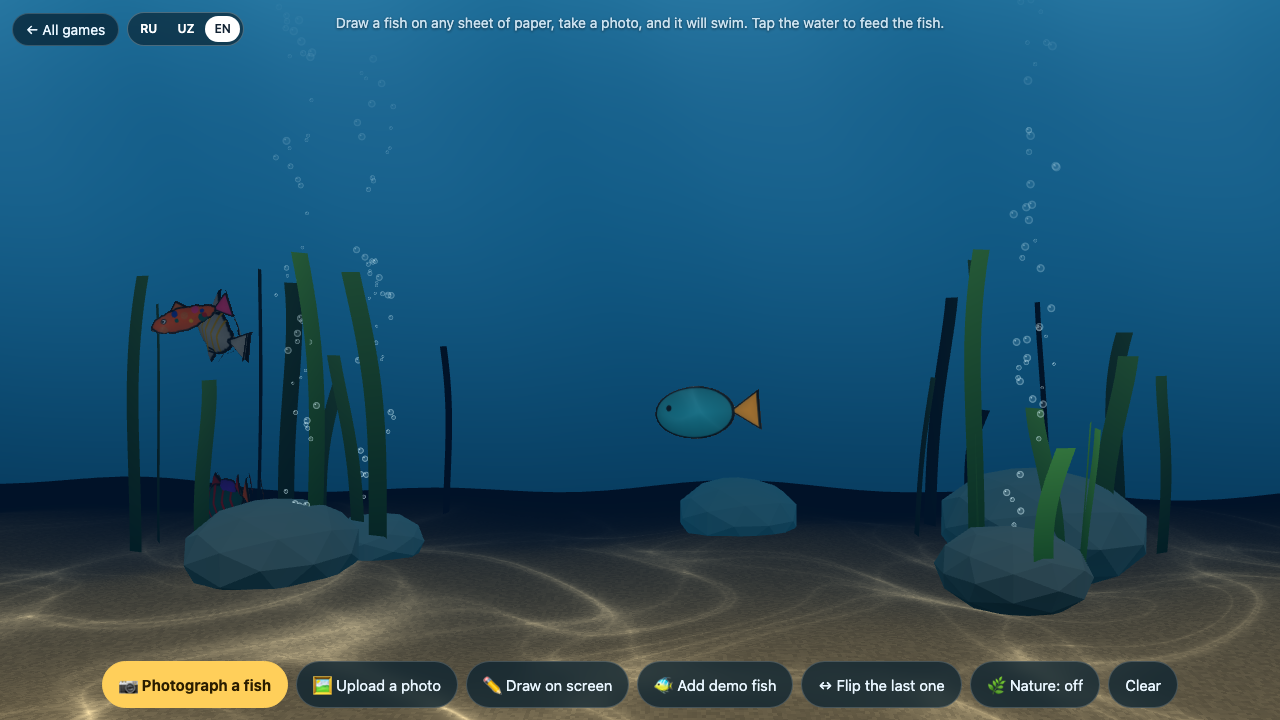
Paper Aquarium: Bring Kids’ Drawings to Life
Turn a paper fish into a swimming aquarium character. Follow the upload steps, fix common picture problems and try a shared family drawing activity.
5 min
6-8
9-12

📚 Guides
GenDubAI: A Family AI Literacy Guide for Parents
Use GenDubAI’s free family resources to discuss AI homework, choose a conversation card and agree on one practical next step with your child.
5 min
8-11
12-15
Google AI Quests: A Parent’s Guide to Polar Peaks
Explore Google AI Quests Polar Peaks with ages 11–14. Check free access, languages and privacy, then use three parent questions about data, models and human oversight.
6 min
11-14