AI Coloring Page Generators for Kids (Free & Reviewed)
Version 2.10 — Updated October 2026
There's a specific kind of AI tool that does one job really well: it takes a sentence — "a unicorn eating spaghetti" — or a photo of the family dog, and turns it into clean black-and-white line art...
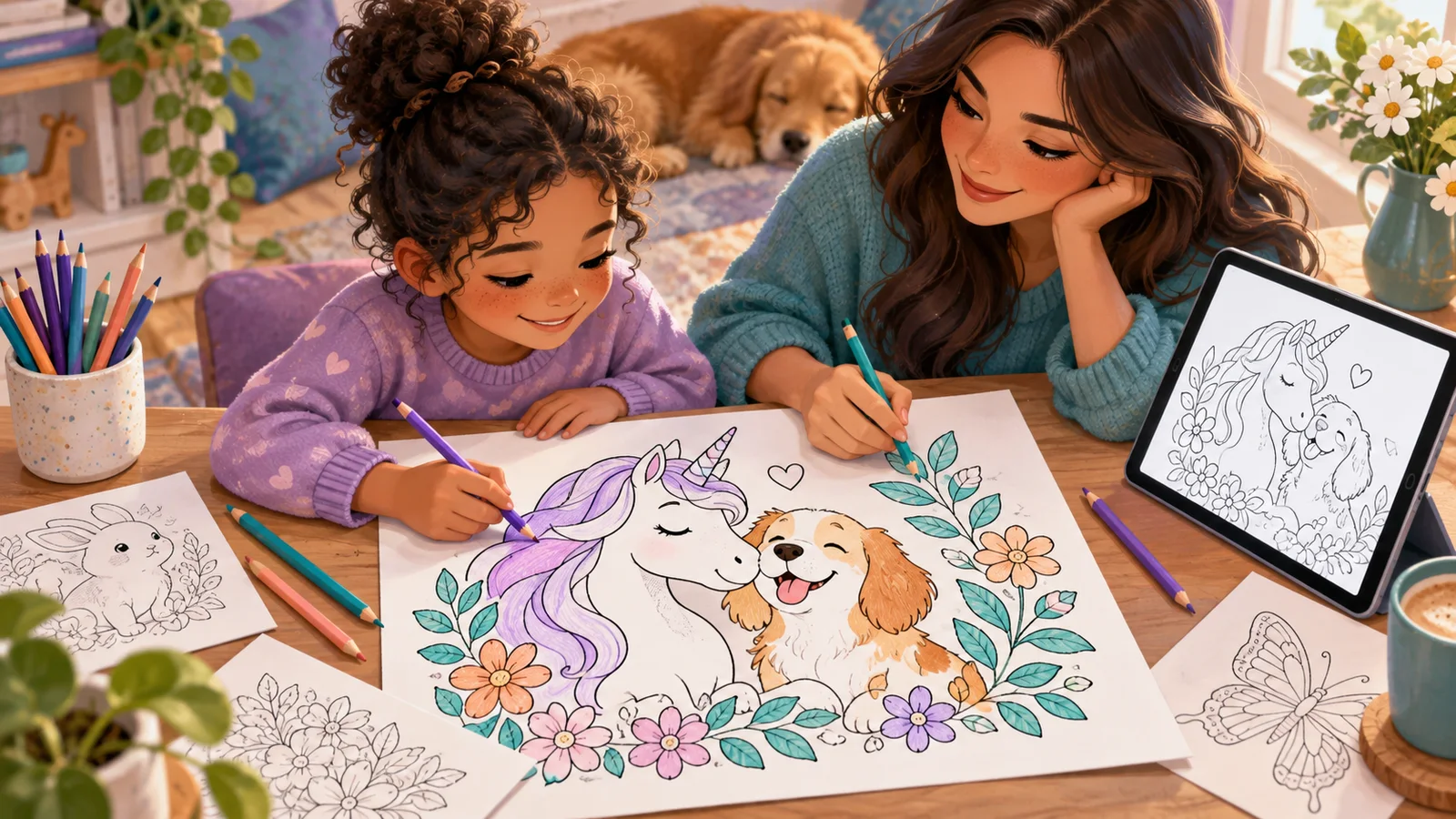
There's a specific kind of AI tool that does one job really well: it takes a sentence — "a unicorn eating spaghetti" — or a photo of the family dog, and turns it into clean black-and-white line art you can print and hand your kid a box of crayons. That's different from a general AI art generator, which usually hands back a full-color, shaded image that still needs a separate step (or a second tool) to become something actually colorable.
This guide is narrowly about that one job: coloring-page generation. If you're looking for AI art tools more broadly — full-color illustrations, stylized portraits, fantasy scenes — see our companion guide to AI art generators for kids, which covers that wider category. This article is the coloring-page-specific version of that conversation.
✅ Get the Free AI Safety Checklist for Parents
Two Types of AI Coloring Page Tools
Two different things get called this, and it's worth knowing which one you're using:
- Dedicated line-art tools. These are built specifically to output black-and-white, uncolored outlines — no shading, no gray fill, just clean lines a kid can fill in. The output is coloring-book-ready without any extra editing.
- General AI image generators, prompted a specific way. Tools designed for full-color art can often be pushed toward a coloring-page look if you describe exactly what you want ("black and white line art, thick outlines, no shading, no color"). The result varies more — sometimes it's clean, sometimes the "AI" still sneaks in gray shading or a colored background, and you end up needing a photo editor to fix it.
Neither approach is inherently better for every family. Dedicated tools are more predictable and usually faster for a kid to use unsupervised. General tools give more creative range if you're willing to iterate on the prompt a few times.
A Practical Checklist Before You Start
Before you hand any tool to your child, run through these:
1. Print-friendliness
A coloring page needs thick, closed outlines with no gray fill and no busy background clutter — otherwise it prints muddy or the lines are too thin to color inside neatly. Generate one test image yourself and print it before assuming it'll work. Some tools that look crisp on a bright screen turn out faint or gray-washed on a home printer.
2. Account requirements
For a young child especially, "type a sentence, get a picture, print it" should not require an email signup, a password, or linking a parent's account. Tools that skip account creation also skip the data-collection questions that come with it. If a coloring tool does ask for an account, check what it's collecting before your child uses it — the privacy policy will say, and it's worth an actual skim rather than a guess.
3. Ads around the tool
Many free generators are ad-supported, and ad networks don't always know or care that the visitor is a child. An empty input box next to a banner ad isn't automatically a problem, but it's worth loading the tool yourself first and watching what appears around the generate button and on the results page before leaving your kid alone with it.
4. Built for a kid to use alone
The best tools for this age group are a single text box, maybe with a few example prompts to tap instead of type. If the interface has sliders for "guidance scale" or a dozen style dropdowns, that's a tool built for adults tinkering with AI art, not a 7-year-old who wants a coloring page of her hamster riding a skateboard.
5. Free-tier limits
Many free coloring-page tools cap how many images you can generate per day, and some show upgrade prompts once you hit that limit. Neither is a dealbreaker, but it's worth knowing going in so a mid-project cutoff doesn't surprise your kid. Check the current terms on the tool's own site — free-tier limits change often and are usually stated plainly on the pricing or FAQ page.
Two Ways to Prompt for a Clean Coloring Page
If you're using a general-purpose AI art tool rather than a dedicated coloring generator, the wording of the prompt matters more than almost anything else. A simple formula that tends to work:
[subject] + "coloring page" + "black and white line art" + "thick simple outlines, no shading, no color"
For example: "a dinosaur eating pizza, coloring page, black and white line art, thick simple outlines, no shading, no color."
A few adjustments worth knowing:
- For younger kids (6-8): add "very simple, large open areas, minimal detail" so there's room to color without tiny gaps.
- For older kids (9-11): add "more detail, some background elements" for a page that holds their attention longer.
- If the result still comes back shaded or gray: try adding "pure white background" and "no gradients" — some models default to soft shading unless told explicitly not to.
Even with a good prompt, results vary between tools and between attempts with the same tool. It's normal to generate two or three versions before one prints cleanly, and that back-and-forth is itself a decent first lesson in how AI prompting works — small wording changes produce different results, and there's no single "correct" way to phrase it.
Turning a Photo Into a Coloring Page
Some tools let you upload a photo — a pet, a stuffed animal, a family photo — and convert it into an outline version, rather than typing a description. This is a genuinely fun option (a coloring page of your actual dog hits differently than a generic cartoon dog), but it comes with a separate consideration: uploading a photo means sending an image file to whatever server processes it.
If the photo includes your child's face, treat that upload with the same caution you'd apply to any photo upload involving a minor — check the tool's privacy policy for what happens to uploaded images (are they stored? used to train future models? deleted after processing?) before uploading a photo that shows your kid's face specifically. Uploading a photo of a pet, a toy, or a drawing carries a lot less of that concern, and is a good way to get the "personalized" feeling without the photo-of-a-child question at all.
A Simple Way to Try This With Your Kid
You don't need to commit to one tool. A low-stakes way to test a new coloring-page generator together:
- Sit with your child for the first attempt.
- Let them describe the picture out loud in their own words — you type it, or they type it if they're old enough.
- Generate one image, look at it together, and decide if the lines are clean enough to print.
- If not, tweak the wording once ("make the lines thicker," "take away the background") and try again.
- Print it, hand over crayons, done.
That five-minute loop also tells you fairly quickly whether a given tool is going to be something your kid can use with minimal help going forward, or whether it needs a parent typing every time.
Coloring Pages vs. Broader AI Art, At a Glance
If your child specifically wants a page to color with crayons or markers, a dedicated line-art output saves a step — there's no converting a full-color image afterward. If your child wants full-color digital art, a printed poster, or something more expressive than an outline, that's the territory covered in our broader AI art generators for kids guide, which looks at general-purpose art tools rather than the coloring-page-specific slice of that category.
✅ Get the Free AI Safety Checklist for Parents
FAQ
What's the difference between an AI coloring page generator and a regular AI art generator?
A coloring page generator is built (or specifically prompted) to output black-and-white line art with no shading or color — ready to print and color in. A general AI art generator defaults to full-color, shaded images, which usually need extra prompt engineering or a separate conversion step to become a coloring page.
Do these tools require my child to create an account?
It depends on the specific tool, and it changes over time as products update their signup flows — check the current version of the site before assuming. Many dedicated coloring-page tools are built to work with no account at all, which is worth prioritizing for younger kids specifically so there's no email or password step involved.
Is it safe to upload a photo of my child to one of these tools?
Treat any photo upload showing your child's face the way you'd treat any other upload of a minor's photo online: check the tool's privacy policy for how uploaded images are stored or used before doing it. Uploading a photo of a pet or toy avoids that question entirely and still gives a personalized result.
Can a 6-year-old use one of these tools without help?
Often yes, if the tool is a single text box with example prompts to tap rather than type. Sit with them for the first session regardless, both to check the output is appropriate and to see whether the interface is actually simple enough for them to repeat on their own next time.
Further reading: AI art generators for kids, and our project-based guide to AI coloring pages for kids.
📋 Editorial Statement
Written by the KidsAiTools Editorial Team and reviewed by Felix. Our guides are written from a parent-builder perspective and focus on AI literacy, age fit, pricing transparency, and practical family use. We do not currently claim named external expert review or a child-test panel. We may earn commissions through referral links, which does not influence our reviews.
If you find any errors, please contact support@kidsaitools.com. We will verify and correct as soon as we can.
Last verified: October 8, 2026