Roblox Alternatives for 6 Year Olds: Safer Building Games Without Chat or Strangers
Version 2.10 — Updated October 2026 | Reviewed by Felix
Here's a number that should stop you cold: Roblox's own demographic reports show that kids ages 5-9 are now the platform's fastest-growing user group, while Common Sense Media continues to rate the pl
Here's a number that should stop you cold: Roblox's own demographic reports show that kids ages 5-9 are now the platform's fastest-growing user group, while Common Sense Media continues to rate the platform 13+ for safety reasons. That gap — between the age Roblox markets to and the age experts say is actually appropriate — is where most parent anxiety lives. If you're here, you've probably already had the conversation that starts with "but all my friends play it" and ends with you Googling alternatives at 11pm.
This guide isn't anti-Roblox. Roblox is a legitimately impressive platform for the right user, and some parts of it (the official "Under 9" experience subset) are genuinely safer than the public perception. But for a 6-year-old who mainly wants to build things, Roblox is the wrong tool — not because it's dangerous in the hands of a supervised user, but because the risks scale with age and the building use case is served much better by dedicated creative games. Let me explain both halves of that, then walk through real alternatives.
Why Roblox Specifically Worries Parents of 6-Year-Olds
The safety concerns around Roblox aren't about the games themselves — they're about the ecosystem around the games. Three specific risk vectors:
- Open chat by default. Roblox's default settings include text chat with any other player in a game instance. Parental controls can restrict this, but the majority of kids play with defaults until a parent notices and locks it down. A 6-year-old should not be typing freely with strangers, even moderated ones.
- User-generated content at scale. Roblox's strength is that anyone can publish a game. Its weakness is that anyone can publish a game. The moderation pipeline is imperfect, and "condo games" (inappropriate content disguised as normal games) have been an ongoing issue for years. Even with good parental controls, young kids click on the wrong thing.
- Monetization through Robux. The in-game currency system is designed to be sticky. A 6-year-old does not have the financial literacy to distinguish "this costs 200 Robux" from "this is $2.50," and the friction between asking for Robux and spending it is deliberately low.
None of this means a supervised 12-year-old can't have a great time on Roblox. It means that for a 6-year-old who mainly wants to build, the risk-to-benefit ratio is wrong.
What 6-Year-Olds Actually Want From "Roblox"
When parents dig into why their young kid is asking for Roblox, the real answer is almost never "I want to talk to strangers and spend virtual currency." It's usually one of these:
- "I want to build stuff like my older cousin." Building is the core appeal — not the social layer.
- "I want to play what my friends play." Social pressure. If you can give them a cool thing to play that their friends don't know about yet, this often resolves.
- "I want to look at what other people made." Browsing user creations, not creating directly.
- "I want to customize a character." The avatar system is genuinely appealing to young kids.
Different alternatives serve different underlying wants. Below I've matched each option to the real desire it addresses.
7 Roblox Alternatives for 6-Year-Olds, Scored Honestly
| Game | Serves Which Want | Chat | Purchases | Safety | Age Fit |
|---|---|---|---|---|---|
| Blocky's 3D Block Adventure | Build stuff | None | None | ✅ Safe | 4-10 |
| Toca Builders | Build stuff | None | None (paid app) | ✅ Safe | 4-7 |
| Minecraft: Creative mode, offline | Build stuff | None (offline) | None | ✅ Safe | 7+ |
| LEGO Creator Islands | Build stuff | None | None | ✅ Safe | 6-10 |
| Toca Life World | Customize + role play | None | None (paid app) | ✅ Safe | 4-8 |
| My PlayHome | Role play | None | None | ✅ Safe | 3-6 |
| Stumble Guys (under 9 with supervision) | Play what friends play | Optional | Yes | ⚠️ Moderate | 8+ only |
A note on what's not on this list. Fortnite Creative is sometimes suggested as a "Roblox alternative," but it has its own chat/safety issues at scale. Among Us has chat baked in. Rec Room is VR-adjacent and aimed at older kids. I'm also deliberately excluding browser aggregators (Poki, CrazyGames, Miniplay) because the mix of quality and ad content on those sites is too inconsistent to recommend to parents of young kids.
Matching Alternative to Actual Kid
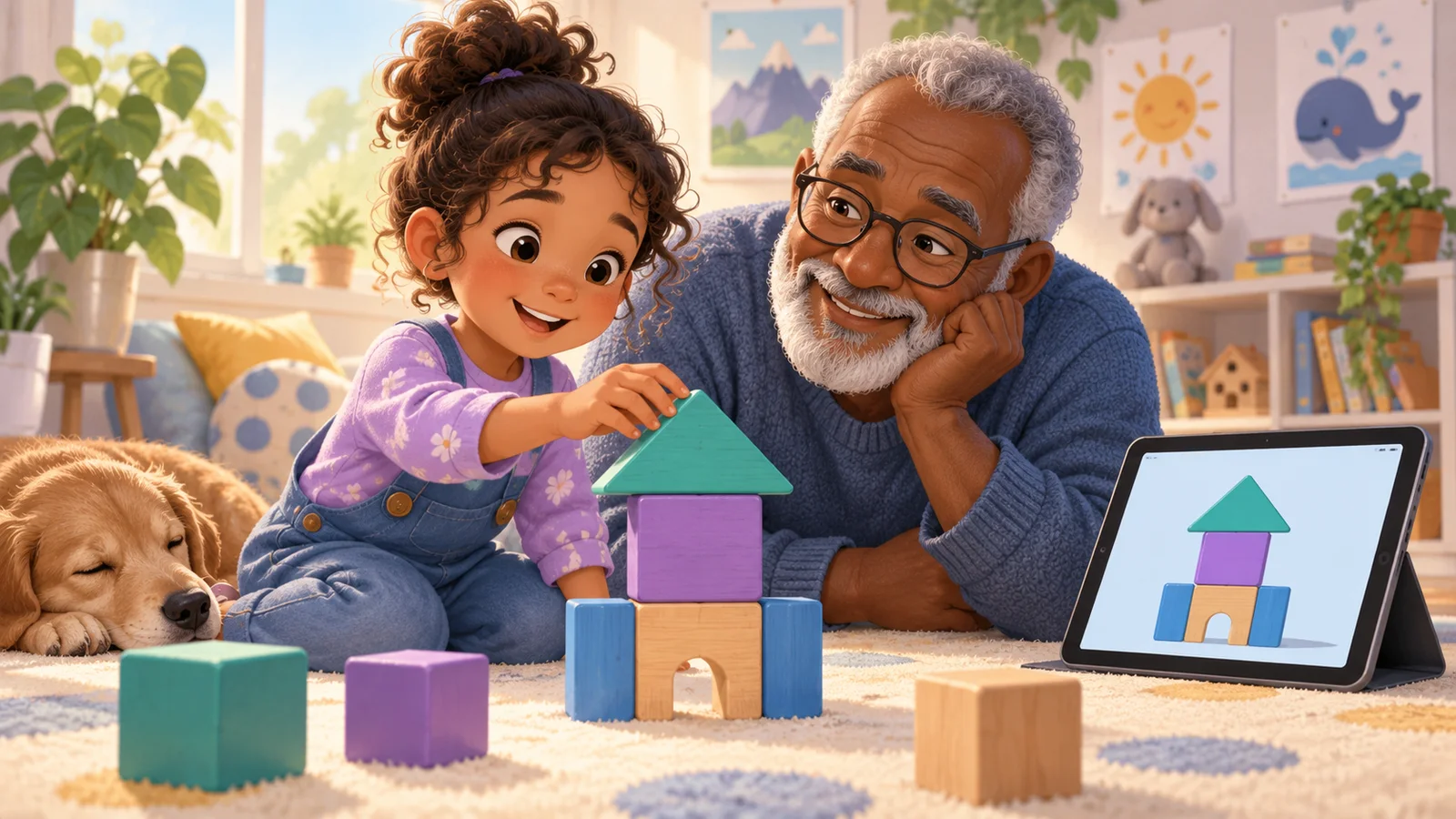
If your kid wants to build: Blocky's 3D Block Adventure is the cleanest match. It's browser-based (nothing to install), has no signup or account, runs on any device, and gives a 6-year-old a structured build progression (three themed worlds, fifteen hand-designed levels) that doesn't require any reading. The core loop — pick a level, follow a ghost wireframe, build the thing, celebrate, share — is exactly the creative satisfaction most kids are trying to get from Roblox, minus the chat, purchases, and user-generated content risks.
If your kid wants role play and customization: Toca Life World is the gold standard. It's a paid app, but the content is extensive and there's zero social layer. My PlayHome is a simpler option for younger kids who just want to move characters around a house.
If your kid wants to play "what my friends play": This is the hardest want to solve. The honest answer is that you can't always beat social pressure with a game recommendation. What sometimes works: giving your kid a creative tool (like Blocky) and letting them bring their thing to school instead. A 6-year-old who proudly shows classmates what they built in Blocky often resets the social dynamic. I've watched this happen.
If your kid specifically wants Minecraft-style building: See my full guide on Minecraft alternatives for kids under 8. Short version: Minecraft itself is usually too hard at 6, but Blocky, Toca Builders, and a handful of others fill the same creative gap.
The Specific Safety Features to Look For
If you're going to let your 6-year-old play any 3D or creative game, here's the minimum safety checklist:
- No chat with strangers, by default. Not "you can turn it off." Off to start.
- No user-generated content visible without explicit opt-in. Anything where "anyone can upload" is a content moderation gamble.
- No in-app purchases without parental authentication. Face ID or password-gated, every time.
- No account creation required. Accounts are the gateway to data collection, cross-device tracking, and marketing. A 6-year-old does not need one.
- Works offline. Bonus points. Offline play means zero network risk vector.
- Clear privacy policy aimed at children (COPPA-compliant). If the privacy policy is written for adults, assume the game is, too.
Blocky's 3D Block Adventure is one of the few options that meets all six of these without any configuration — it's the default state, not something you unlock.
What to Tell Your Kid
Here's the script I've found works for a 6-year-old asking for Roblox:
"Roblox is made for older kids — it's like a phone, and you're still learning how to use a tablet. I have something cooler for you: it's where you build things and then we can make a poster to show grandma. Want to try it?"
The framing that works is not "you're too young for Roblox" (which feels like a punishment). It's "I have something better for you right now, and Roblox is a thing you'll grow into." The "grow into" framing respects their desire to be older without exposing them to things they're not ready for.
When Roblox Might Actually Be OK
I don't want to pretend Roblox is a villain. There's a real case for supervised Roblox play starting around 9-10 if:
- You use the under-13 account restrictions (chat disabled, content maturity locked to "minimal")
- You stick to a whitelist of vetted games — Adopt Me, Bloxburg, and a handful of others are genuinely fun and relatively safe with restrictions on
- You're willing to do a regular audit of their play history
- You've had the "don't trust usernames, don't share personal info, don't click link messages" conversation more than once
For a 6-year-old, none of that is developmentally realistic. Save Roblox for when your child can understand those rules and explain them back to you.
Try the Safest Free Option First
If you just want something to put in front of your 6-year-old tonight that they'll actually enjoy, start with Blocky's 3D Block Adventure:
- Zero risk vectors — no chat, no accounts, no strangers, no purchases, no ads
- Free forever, no download, no signup
- 15 structured levels across 3 worlds, scaled for ages 4-10
- Works on any device with a browser — no installation
- Parent-friendly share poster so you can celebrate what your kid built
Start your 6-year-old's first build: kidsaitools.com/en/blocks
Sources: Common Sense Media on Minecraft vs Roblox, Gabb on Roblox safety for kids, and ID Tech on key differences between Minecraft and Roblox for children.
Ready to try this with your child?
If this review helped, the fastest next step is to try something you already control. Everything below is made for kids 4-15, starts free, and runs in a browser tab with no signup needed for the first use.
| Your child's goal | Try this | Why it works |
|---|---|---|
| Build 3D creations hands-on | 🧱 3D Block Adventure | Browser-based 3D building: 15 levels plus AI Magic Build. Ages 4-12, no downloads. |
| Play an AI game right now | 🎨 Wendy Guess My Drawing | Draw for 20 seconds and the AI tries to guess. Ages 5-12, zero setup. |
| Create art or stories | 🎨 AI Creative Studio | Built-in safety filters. No sign-up needed for 10 stories and 2 AI pictures a day. |
| Pick the right AI tool for your child | 🛠️ 50+ Kid-Safe AI Tools | Filter by age, price and safety rating. |
All four start free, run in the browser, and never ask for a credit card up front.
For you, the parent: The 6-8 Roadmap: A Year of AI, Planned goes deeper on this — a step-by-step guide in the KidsAiTools Parent Library.
📋 Editorial Statement
Written by the KidsAiTools Editorial Team and reviewed by Felix. Our guides are written from a parent-builder perspective and focus on AI literacy, age fit, pricing transparency, and practical family use. We do not currently claim named external expert review or a child-test panel. We may earn commissions through referral links, which does not influence our reviews.
If you find any errors, please contact support@kidsaitools.com. We will verify and correct as soon as we can.
Last verified: October 9, 2026