AI Guides for Kids: Tutorials, Reviews & Parent Resources
251+ parent-perspective articles covering tutorials, tool reviews, safety checklists, and school-collaboration tips. Filter by age and type to find what your child needs today.

30 ChatGPT Prompts for 8-Year-Olds (Copy & Paste)
Eight is the age of chapter books, times tables, strong opinions about fairness, and the first real "but *why*?" that you can't answer off the top of your head. It's also the age when a child can t...
20 ChatGPT Prompts for 5-Year-Olds (Voice Mode, Parent-Led)
A 5-year-old can't read the screen, can't type, and won't sit through a paragraph. So the usual "copy-paste prompts for kids" advice mostly doesn't apply. What does work at this age is voice: you h...

Gemini Skills for Kids: 10 SKILL.md Skills for Gems and Antigravity (Free Pack, 2026)
Gemini has two homes for a skill, and they're different enough that a "Gemini skills" article is usually about one of them and vague about the other. In the Gemini app the reusable thing is a Gem: a n
ChatGPT Skills for Kids: 10 SKILL.md Skills That Make ChatGPT Behave Around Children (Free Pack, 2026)
A skill is not a long prompt. It's a folder: a file called `SKILL.md` that tells the AI what to do and when, plus the reference files it should read while doing it. The AI sees only the skill's name a

Your Child Said Something Worrying to an AI. What to Do, by Level.
A dark joke and a disclosure look identical in a chat window and need opposite responses. Three levels, what each looks like, and what to do in the first hour.
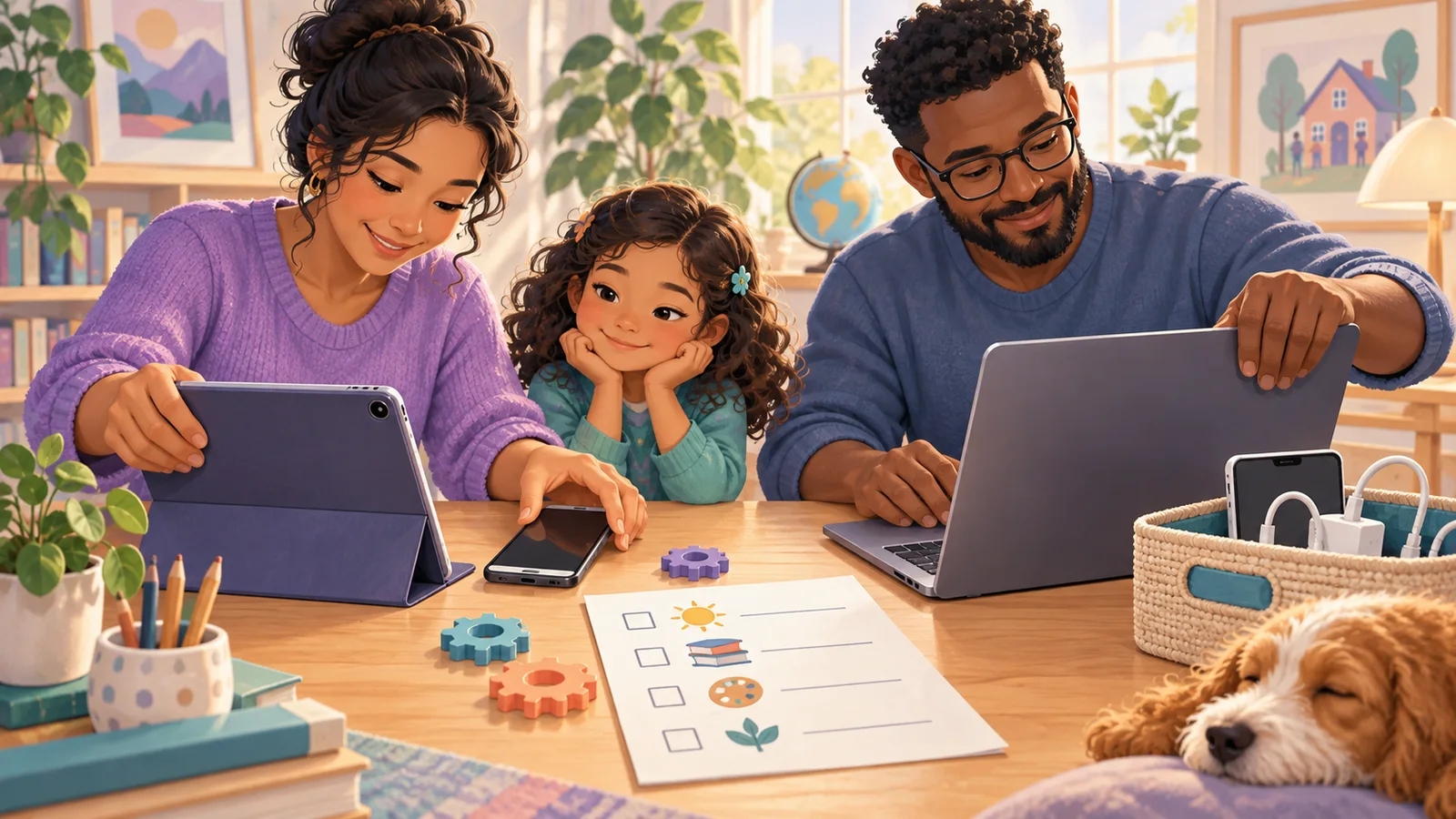
Your Child's First AI Phone: The Setup Checklist Before You Hand It Over
Four doors the AI comes through on a first phone — the assistant, the store, the browser, the keyboard — who holds each key, and the one sheet to write down before it goes in their pocket.

The AI Just Stopped Showing Its Work. What Do You Teach Now?
GPT-6 Astra obscures part of its chain of thought. The advice that no longer carries weight, the three habits that get stronger, and the one-sentence version.
Why Your AI Homework Rule Stopped Working in Week Two
Most household AI rules are written for a calm evening and needed at 9pm. The three ways they die, and the three properties a rule needs to survive a deadline.
Is the AI Actually Helping Your Child Learn? Three Signals
Grades lag and right answers prove nothing. Three signals you can check at the kitchen table: explaining a day later, arguing back, and better questions.

One AI Account, Two Kids: What Goes Wrong and How to Split It
Blended memory, shared history, settings that can only suit one age, and nobody owning the limit. Why one account fails across siblings, and the cheapest fix.

AI and Your Child’s Writing: What Actually Changes, and What to Watch
The first draft disappears, the vocabulary outruns the understanding, and the voice flattens. Three changes to watch for, and what to do about each.
Free or Paid: When Is It Actually Worth Paying for Your Child’s AI?
Three triggers that justify a paid AI subscription for a child, three that only feel like triggers, and the cheaper moves to try first.
Frequently Asked Questions
What kinds of articles are in this library?
+
We organize by four types: Tutorials (step-by-step AI projects with your child), Guides (parent decision-making, e.g. "Is ChatGPT safe for an 8-year-old?"), Reviews (parent-perspective single-tool or comparison reviews), and News (AI education policy, new tool launches). Use the filter tabs above to narrow down.
Who writes these articles?
+
The KidsAiTools editorial team writes from a parent perspective — we use the AI tools we cover as parents, document what we observe, and publish our notes. We do not currently maintain a child-test panel or named expert reviewers; if we add either, we will disclose names, credentials, and review methodology on the methodology page.
How do I find articles for my child's age?
+
Use the age-group filter above (6-8, 9-12). Every article lists the age bands it applies to. If you have multiple children, start with our parent guides first, then read tutorials aimed at the youngest age in your household.
Where should I start if I'm new?
+
Three starter picks: "Kids AI Explained: What It Is" for the basics, "30 Safe ChatGPT Prompts for Kids by Age" for something you can use today, and "Khanmigo Review 2026" if you're evaluating paid tools. Any one of them gives you enough to start your first family AI session.
How often is the library updated?
+
We publish new parent guides regularly. Check the publication and update dates shown on each article, and review the tool’s current official policies before use.
Are tool reviews sponsored?
+
No. Reviews are based only on parent hands-on testing. We don't accept paid placements or free licenses from tool vendors. If a tool has a real problem, we write it plainly — no softened language.