AI Guides for Kids: Tutorials, Reviews & Parent Resources
293+ parent-perspective articles covering tutorials, tool reviews, safety checklists, and school-collaboration tips. Filter by age and type to find what your child needs today.

When the School Says "We’re Using AI": How to Read the Answer
You asked the school about AI and got an answer that sounded fine. Most school AI answers are true and incomplete at once — here is how to tell which parts matter.

Make a Picture Book With Your Kid in One Afternoon
A complete 90-minute workshop that ends with an 8-page picture book you can print. Your child writes it; the AI only draws.
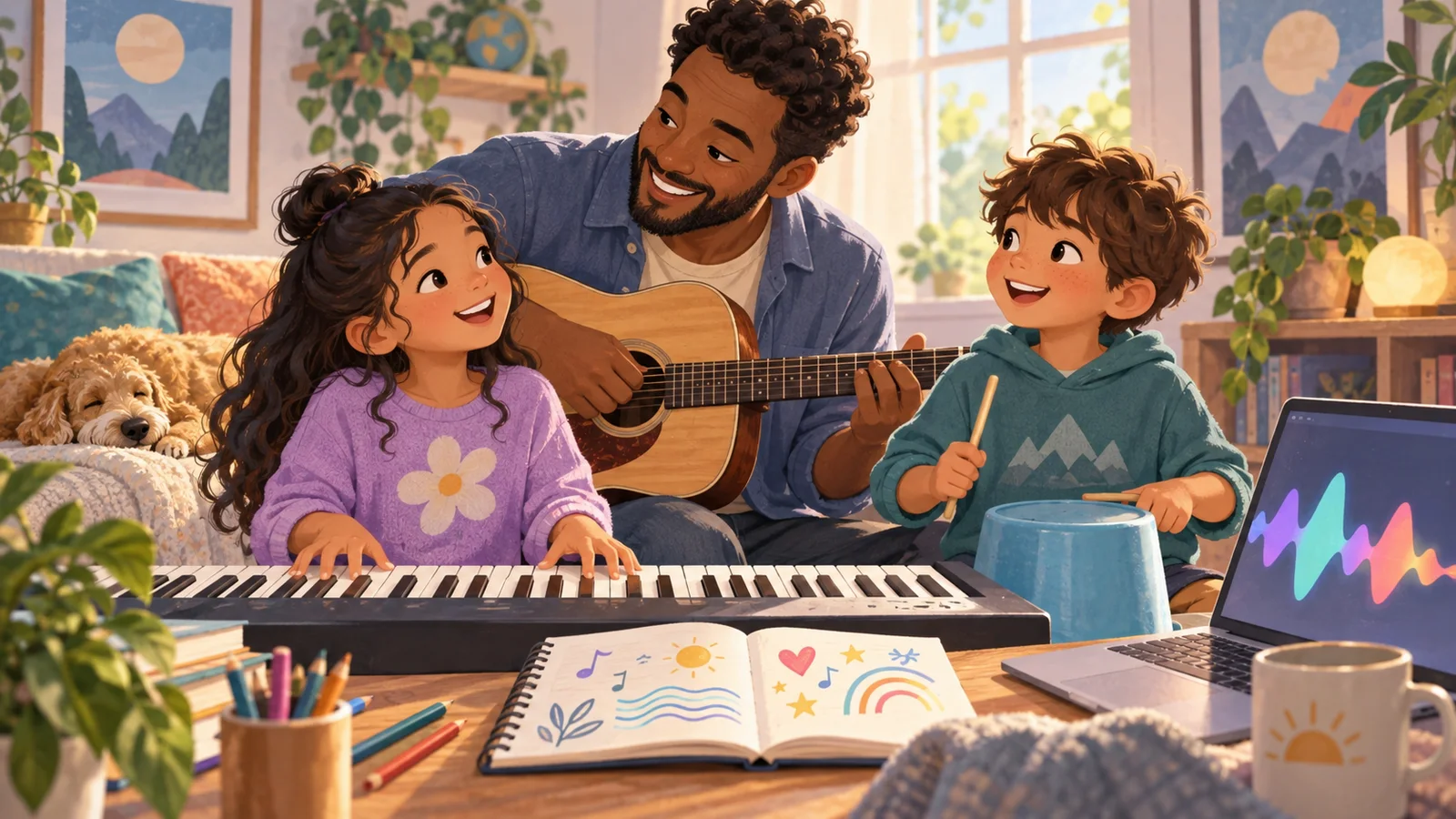
Write Your Family's Song
An hour-long workshop producing a real 2-3 minute song with words your child wrote. The AI composes and performs; the child writes and directs.
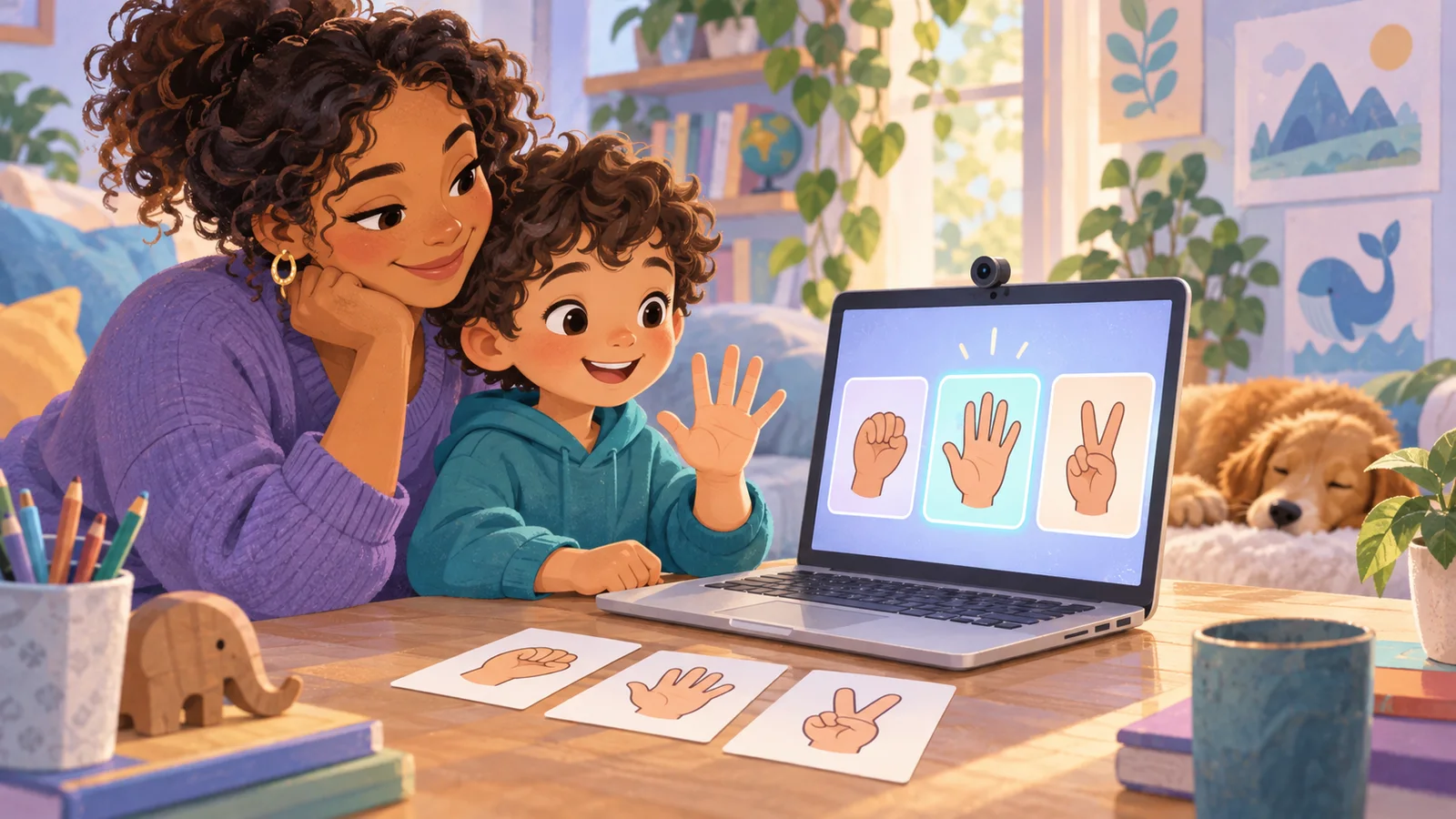
Train Your First AI Together: The Rock-Paper-Scissors Machine
Twenty minutes of training an AI teaches more than a year of using one. Build a gesture recogniser, then deliberately break it three times.

The Comic Strip Workshop: Four Panels, One Afternoon
The smallest complete story a person can make. Fifteen creative decisions, one printed comic with your child’s name on it.

The Family AI Setup: 30 Minutes to Make Your Account Kid-Ready
Most parents’ AI account is configured for one adult. This is a configuration problem, not a safety one — and it takes half an hour to fix.

When the AI Says Something Wrong: The Incident Playbook
What you say in the next ten seconds decides whether they bring you the next one. Scenarios ranked by how often they actually happen.
Evaluate Any AI Tool in 10 Minutes
A new AI app for children launches roughly every week, so any recommendation list expires. This is the method instead of the list.

The Voice Mode Guide: AI for Kids Who Can't Type Yet
A six-year-old cannot hold a conversation at typing speed. Voice changes the age range — with a setup that makes it work.
The 6-8 Roadmap: A Year of AI, Planned
Not a list of prohibitions. A year of what to actually do with a six-, seven-, or eight-year-old, in an order that builds on itself.
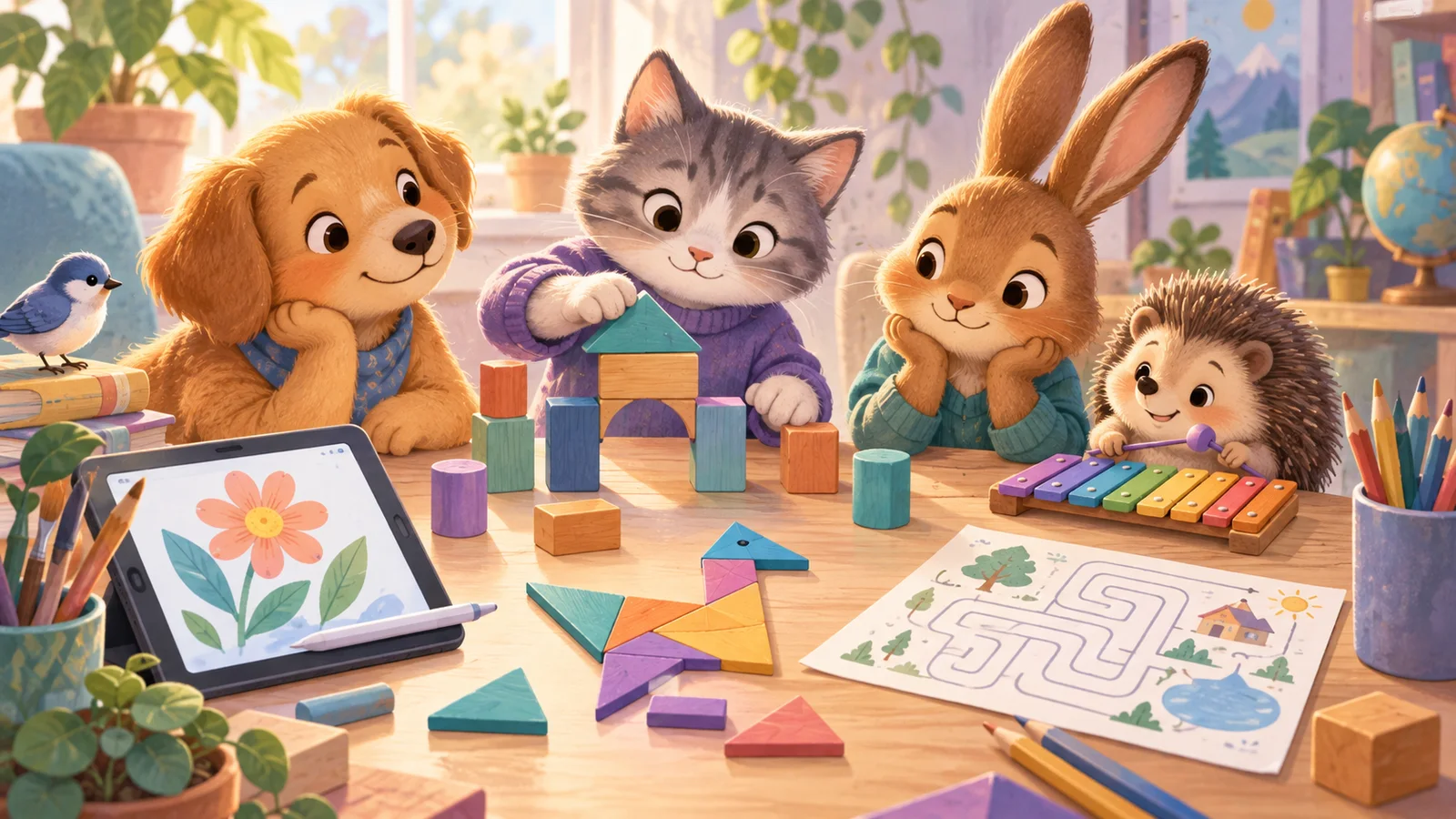
Five AI Tools Worth Your Child's Time — With the Play Plan for Each
Most "best AI tools for kids" lists are long, and that is the tell. Five tools that pass three tests, what each one teaches, and the play plan that makes it land.

Your Child's First AI Session: A Minute-by-Minute Script
Most first sessions fail in the same forty seconds — because of what the adult said first. The actual words, minute by minute, for ages 5–7, 8–10 and 11–12.
Frequently Asked Questions
What kinds of articles are in this library?
+
We organize by four types: Tutorials (step-by-step AI projects with your child), Guides (parent decision-making, e.g. "Is ChatGPT safe for an 8-year-old?"), Reviews (parent-perspective single-tool or comparison reviews), and News (AI education policy, new tool launches). Use the filter tabs above to narrow down.
Who writes these articles?
+
The KidsAiTools editorial team writes from a parent perspective — we use the AI tools we cover as parents, document what we observe, and publish our notes. We do not currently maintain a child-test panel or named expert reviewers; if we add either, we will disclose names, credentials, and review methodology on the methodology page.
How do I find articles for my child's age?
+
Use the age-group filter above (6-8, 9-12). Every article lists the age bands it applies to. If you have multiple children, start with our parent guides first, then read tutorials aimed at the youngest age in your household.
Where should I start if I'm new?
+
Three starter picks: "Kids AI Explained: What It Is" for the basics, "30 Safe ChatGPT Prompts for Kids by Age" for something you can use today, and "Khanmigo Review 2026" if you're evaluating paid tools. Any one of them gives you enough to start your first family AI session.
How often is the library updated?
+
We publish new parent guides regularly. Check the publication and update dates shown on each article, and review the tool’s current official policies before use.
Are tool reviews sponsored?
+
No. Reviews are based only on parent hands-on testing. We don't accept paid placements or free licenses from tool vendors. If a tool has a real problem, we write it plainly — no softened language.